 Dhruv Patel
 Contents
- 1 Data Enrichment Guide – TOC
- 2 TL;DR: How Does Data Enrichment Work
- 3 What Is Data Enrichment?
- 4 What Are the Different Types of Data Enrichment?
- 5 Why Does Data Enrichment Matter for Cold Email?
- 6 What Data Can Actually Be Enriched?
- 7 Which Are the Best B2B Data Enrichment Tools in 2026?
- 8 How Do You Choose the Right Data Enrichment Tool?
- 9 How Does CRM Data Enrichment Keep Your Pipeline Clean?
- 10 FAQs on Data Enrichment
- 10.1 1. What is data enrichment in lead generation?
- 10.2 2. How often should I refresh data enrichment in my system?
- 10.3 3. What’s the difference between manual enrichment and automated tools?
- 10.4 4. Can enrichment introduce bad data into my outreach?
- 10.5 5. What is waterfall enrichment?
- 10.6 6. What is the best data enrichment tool for cold email outreach?
You send 500 cold emails.
30% bounce.
The other 200 go to people who changed jobs six months ago.
That’s not a copy problem. That’s a data problem.
Most B2B contact lists are incomplete the moment you build them.
Job titles change, people move companies, emails go dead, and your outreach suffers for it.
Data enrichment is how you fix that.
In this guide, I’ll break down exactly what data enrichment is, why it matters for cold email outreach, and which tools are worth using in 2026.
Data Enrichment Guide – TOC
- TL;DR: How Does Data Enrichment Work
- What Is Data Enrichment?
- What Are the Different Types of Data Enrichment?
- Why Does Data Enrichment Matter for Cold Email?
- What Data Can Actually Be Enriched?
- Which Are the Best B2B Data Enrichment Tools in 2026?
- How Do You Choose the Right Data Enrichment Tool?
- How Does CRM Data Enrichment Keep Your Pipeline Clean?
- FAQs on Data Enrichment
TL;DR: How Does Data Enrichment Work
1. Start With Your Existing Data: A CRM export, a cold lead list, form fills, or LinkedIn connections.
2. Identify the Gaps: Find missing fields and contacts that haven’t been engaged in 3+ months.
3. Choose Your Enrichment Method: Use manual LinkedIn research, bulk uploads to an enrichment tool, or API-based automation.
4. Match Records Against a Verified Database: The tool cross-references your contacts against its contact database to find missing information.
5. Waterfall Enrichment Kicks In: If provider A doesn’t find a match, the tool automatically tries provider B, then C, improving overall match rates.
6. Validate Results: Deliverability flags, accuracy signals, and freshness checks ensure the data is reliable.
7. Push Enriched Data Back: The updated data is sent back to your CRM, outreach tool, or outbound lead list.
What Is Data Enrichment?
Data enrichment is the process of taking incomplete or outdated contact records and filling them with accurate, verified information from external sources.
Think about what typically happens when someone fills out a lead form.
You capture their name and work email, and that’s it.
Data enrichment takes that bare record and adds job title, company size, LinkedIn URL, tech stack, revenue range, and more.
For B2B sales teams, this turns a weak lead list into a targeted, actionable one.
What Are the Different Types of Data Enrichment?
There are five main types, and each one serves a different purpose in your outbound workflow.
1. Contact Data Enrichment
This is the most common type.
It verifies and completes individual contact info: work emails, direct phone numbers, mobile numbers, and LinkedIn profiles.
If you’re running cold email campaigns, this is your baseline.
2. Firmographic Enrichment
Company-level data: industry, headcount, revenue range, HQ location, company type, and founding year.
This is how you qualify accounts against your ICP before you spend a single sequence on them.
3. Technographic Enrichment
What tools a company is already using: their CRM, email client, and marketing automation platform.
Knowing a prospect runs HubSpot tells you a lot about their sales maturity and budget level.
4. Behavioral / Buying Signal Enrichment
Recent funding rounds, new hires in sales or marketing roles, news mentions, and technology changes.
This is timing data. It tells you when a company is in a buying moment, not just whether they fit your ICP.
Saleshandy Lead Finder has a dedicated Buying Signals & News filter built specifically for this.
5. CRM Data Enrichment
People change jobs. Companies get acquired. Your CRM goes stale faster than most teams realize.
This type keeps existing records accurate over time, not just new prospects being added.
I’ll cover this in more detail in its own section below.
Why Does Data Enrichment Matter for Cold Email?
This is where most generic guides stop short.
They explain what data enrichment is, but skip the part that actually matters for outbound sales teams.
Here’s what bad data actually costs you:
- High Bounce Rates: It damages your sender’s reputation. One bad campaign can tank deliverability across your entire sending infrastructure.
- Incomplete Records: It leads to generic messaging. You can’t personalize an email to a job title you don’t have.
- Outdated Contacts: This shows you’re emailing someone who left the company six months ago. That’s wasted effort and a bounce waiting to happen.
- No ICP Fit Data: You’re spraying and praying instead of targeting. Enriched firmographics let you filter down to exactly the right accounts before you spend a single credit.
- No Timing Data: It means you’re reaching out at random. Buying signals tell you when a company is actively in the market.
What Data Can Actually Be Enriched?
A lot more than most people think. Here’s a quick breakdown:
| Data Category | Examples of Enrichable Fields |
|---|---|
| Contact Info | Work email, personal email, direct phone, mobile, LinkedIn URL |
| Firmographic | Company name, industry, headcount, revenue range, HQ location, founded year |
| Technographic | CRM in use, email tool, marketing automation stack, tech adoption signals |
| Behavioral / Intent | Recent funding rounds, hiring signals, news mentions, technology changes |
| Social / Professional | Job title, seniority level, department, recent job change |
Which Are the Best B2B Data Enrichment Tools in 2026?
I went through 20+ data enrichment tools. These 8 are worth your time if you are running B2B cold outreach.
1. Saleshandy Lead Finder
Best For: B2B outbound teams who want verified contact data and cold email outreach in one platform.
Saleshandy Lead Finder gives you access to 800M+ verified B2B contacts with 75+ advanced search filters.
What separates it from most enrichment tools is the combination. You’re not just pulling data.
You are pulling data that’s verified in real time through Waterfall Enrichment.
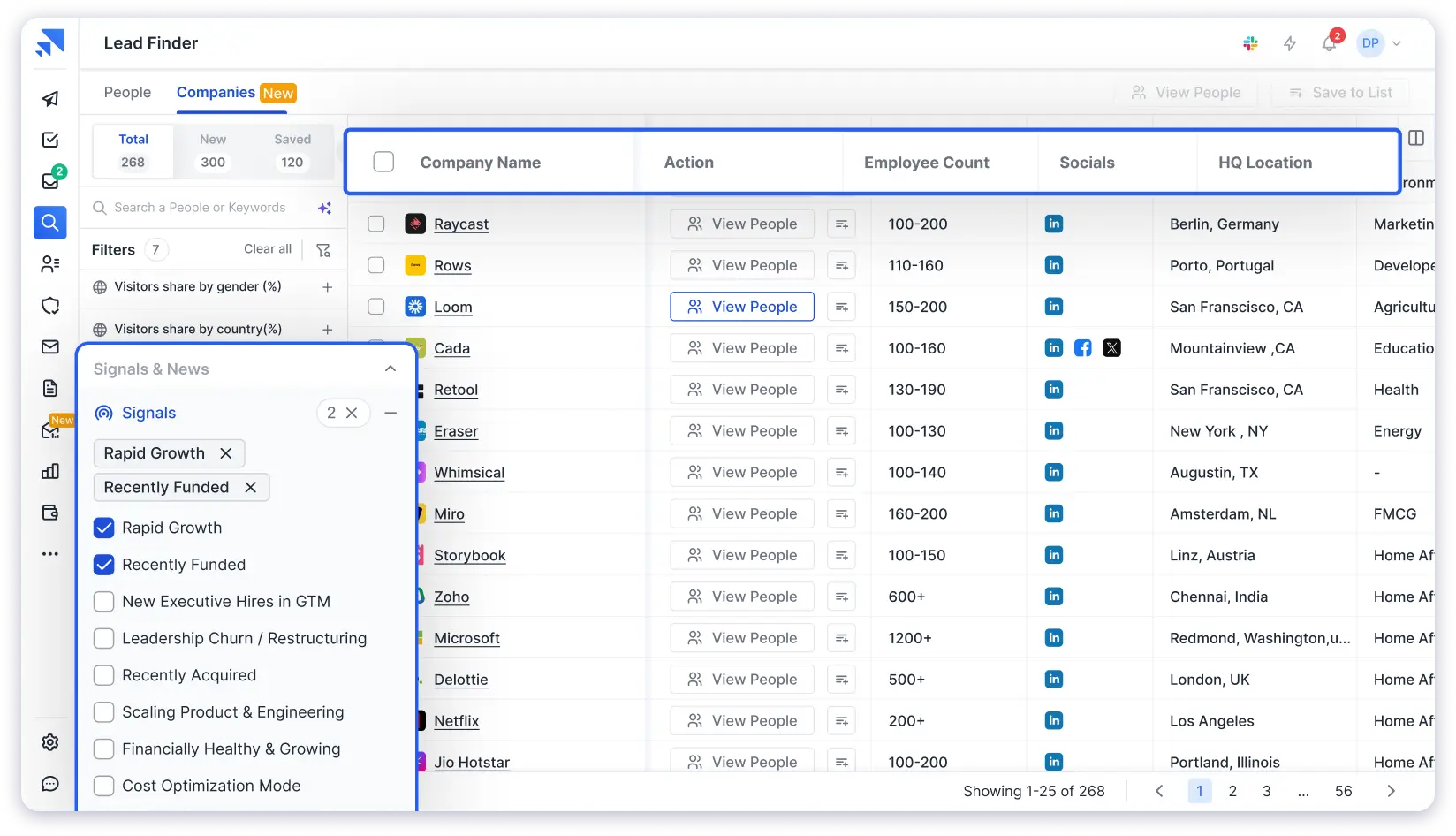
Key Features Worth Noting:
- Waterfall Enrichment – credits charged only on successful matches
- AI Prospect Enrichment via GPT-4.1, Claude Sonnet 4, Gemini 2.5 Pro, Perplexity Sonar Pro, and Grok 4
- 75+ advanced search filters, including tech stack, funding, and buying signals
- AI-powered plain-English ICP search
- Bulk extraction – up to 10,000 contacts per search, 100 company domains at once
- Credits rollover – unused credits carry forward every billing period
- Built-in cold email sequencing with inbox warmup and sender rotation
- Saleshandy CRM with Kanban pipeline and prospect activity timeline
- LinkedIn Chrome extension for contact capture while browsing
- Real-time email verification on every contact reveal
Pros:
- Enrichment connects directly to outreach – no file export needed
- AI enrichment generates personalized context, not just filled fields
- Unused credits roll over every month
- 50 free credits to test data quality before upgrading
Cons:
- Free trial extends upto 7 days only.
Pricing:
- Free trial with 50 credits.
- Lead Starter at $49/month.
- Lead Pro at $79/month (billed annually).
- Custom plans available for larger teams.
2. Apollo.io
Best For: Teams that want a large contact database with built-in sequencing and CRM features.
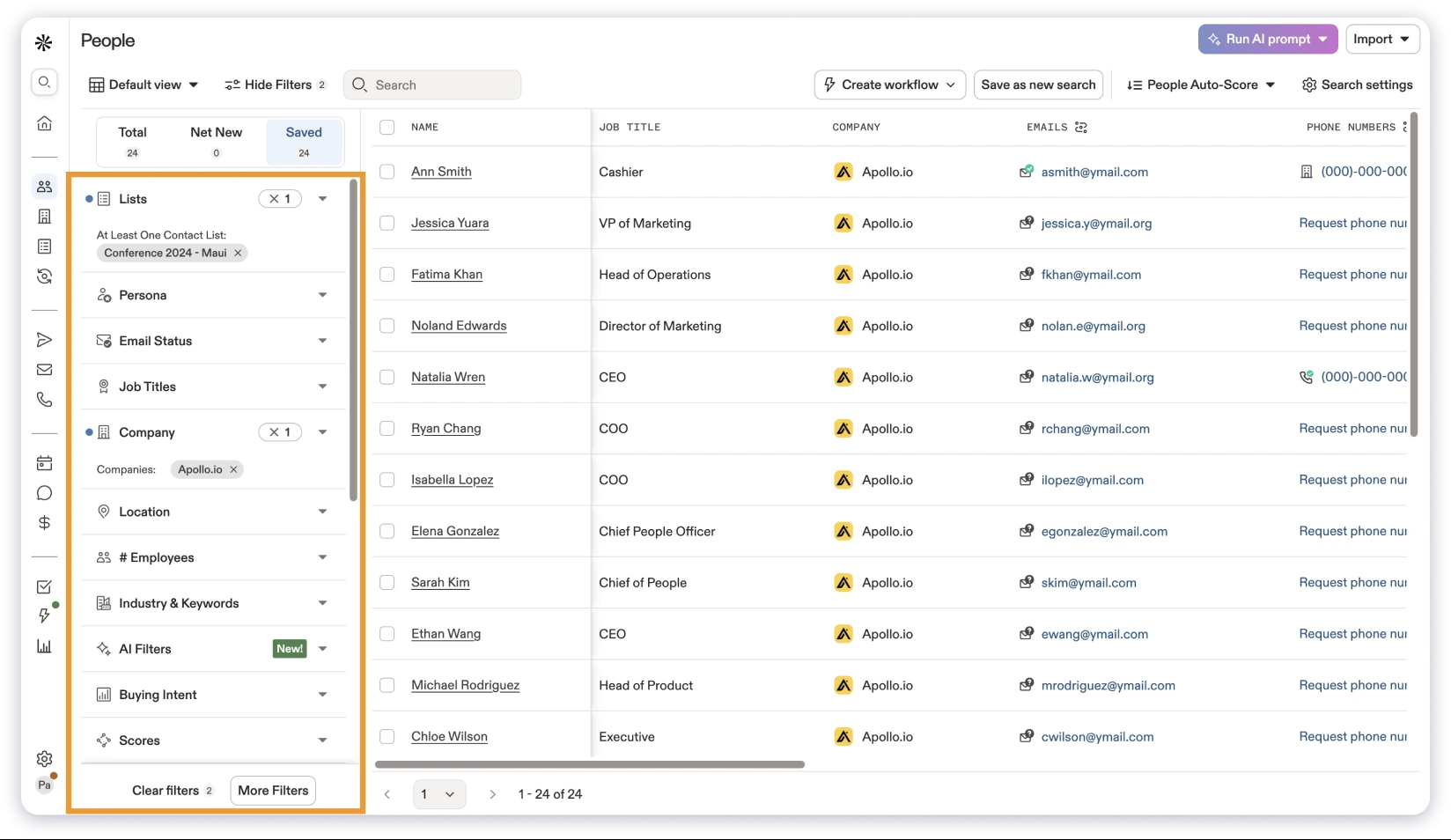
Apollo.io has one of the bigger B2B databases and includes multi-channel sequences, a dialer, and native CRM integrations.
For teams already inside the Apollo ecosystem, it works reasonably well as an all-in-one.
If you are already looking at alternatives, check out our Apollo.io alternatives guide.
Pros:
- Large database with 210M+ covering contact, firmographic, and technographic data
- CSV enrichment and CRM sync are available on paid plans
- Free tier to test data quality before committing
Cons:
- Credits expire each billing cycle with no rollover
- Email bounce rates reported at 15 to 25% on G2
- Mobile number reveals a cost of 8 credits each
Pricing:
- Basic starts at $49/user/month (annual).
- Professional at $79/user/month.
- Organization at $119/user/month with a minimum of 3 users.
3. ZoomInfo
Best For: Enterprise sales teams with large budgets targeting Fortune 500 accounts.
ZoomInfo is the market leader for enterprise-grade enrichment.
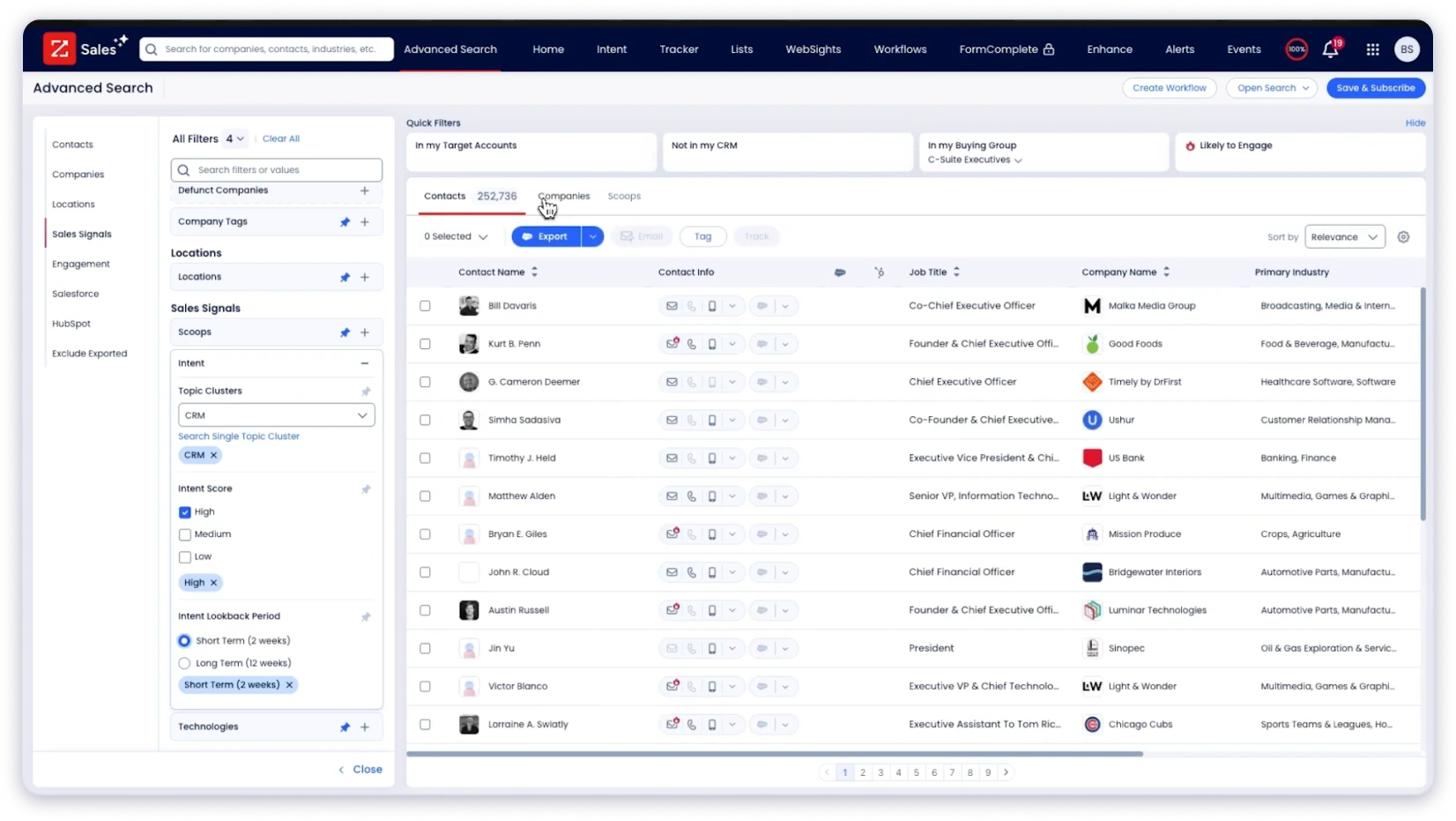
It covers deep firmographic data, org charts, and Bombora-powered intent signals.
If your average deal value is $50K+ and you’re selling into large organizations, the data depth justifies the price.
Pros:
- Deep firmographic enrichment, including org charts and buying committee data
- Intent signals powered by Bombora for account-level enrichment
- Automatic CRM enrichment to keep records fresh
Cons:
- Too expensive for most SMB teams
- Annual contract minimums with limited flexibility
- Some records may not reflect current job titles if last verified months ago
Pricing:
Custom prices typically start at $15,000/year for small teams.
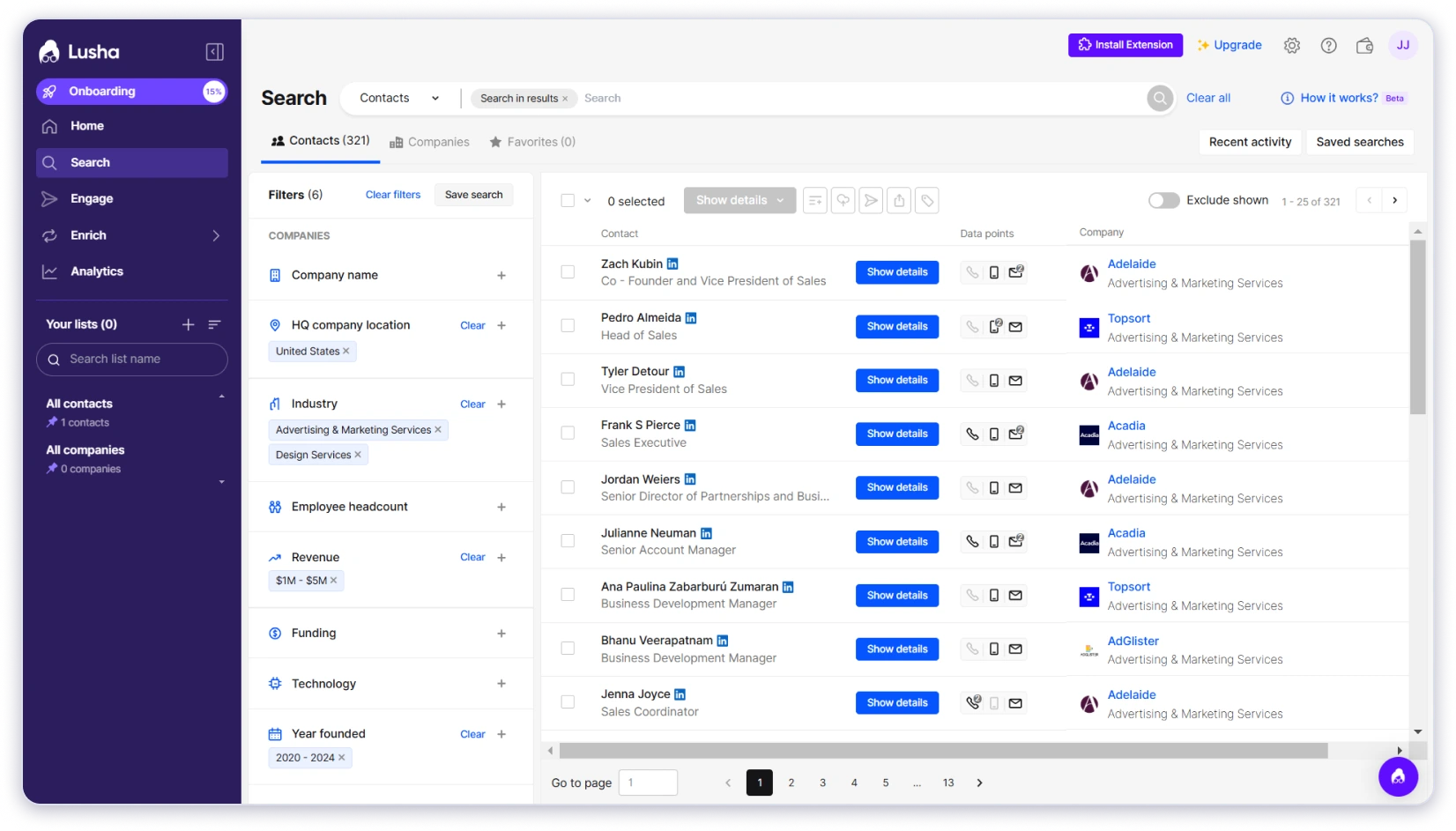
4. Lusha
Best For: Sales reps who need fast individual contact lookups while browsing LinkedIn.
Lusha’s Chrome Extension is quick and simple for on-the-fly prospecting.
The database covers 280M+ verified contacts with direct dials and validated emails. GDPR and CCPA compliant.
Pros:
- Fast LinkedIn enrichment via Chrome Extension
- Covers verified emails and direct phone numbers
- GDPR, CCPA, and ISO 27001 compliant
Cons:
- More of a lookup tool than a bulk enrichment platform
- Phone number reveals a cost of 10 credits vs. 1 for email, draining allocations quickly
- Per-user pricing gets expensive fast at team scale
Pricing:
- Free plan with 40 credits/month.
- Pro plan starts at $29.90/user/month (billed annually).
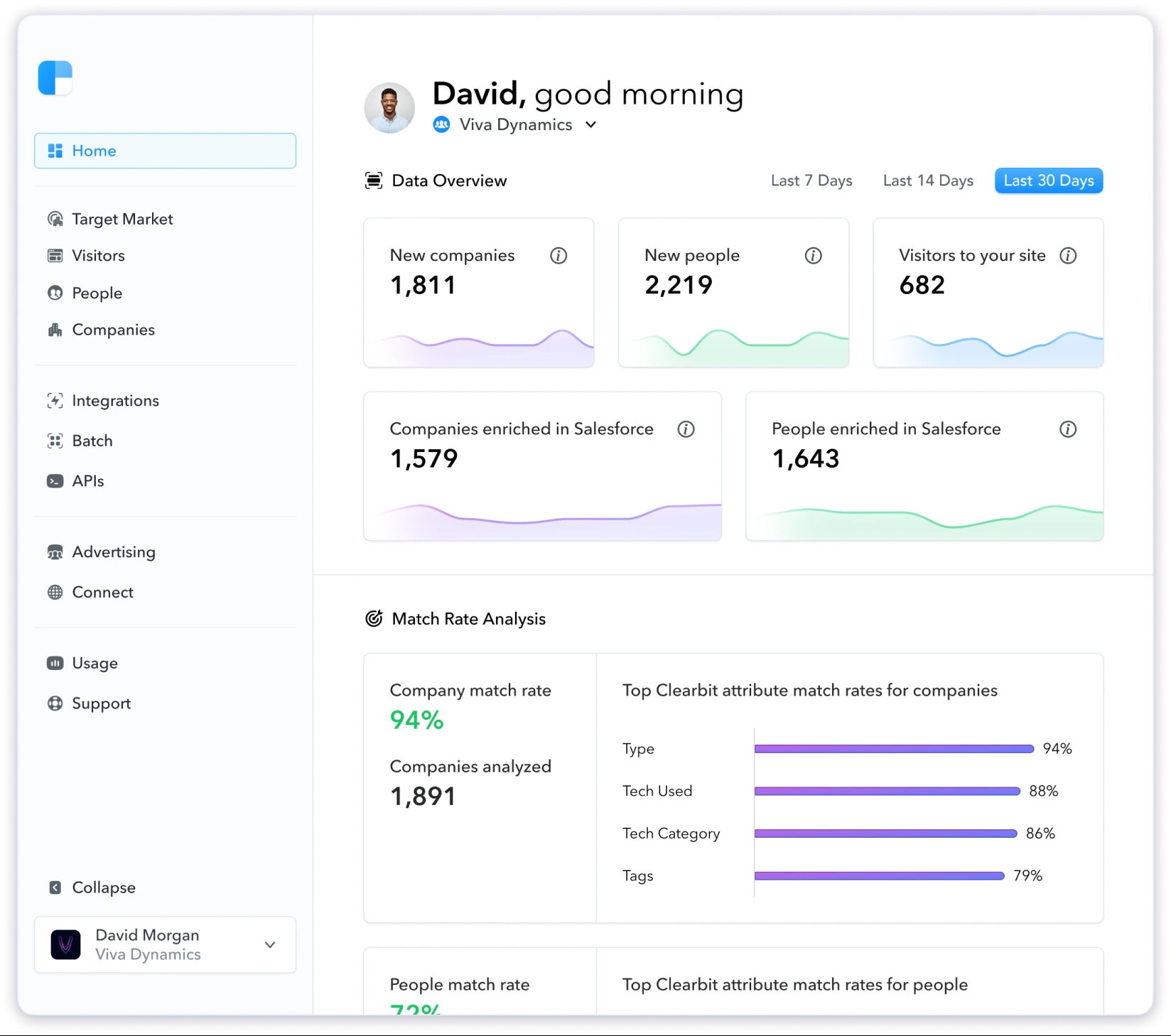
5. Clearbit
Best For: Marketing teams using HubSpot who want to enrich inbound leads and shorten forms.
Clearbit auto-fills form fields using publicly available data, reducing friction in inbound funnels.
It automatically refreshes CRM records every 30 days and integrates natively with HubSpot workflows.
Pros:
- Enriches 100+ data attributes per contact automatically
- Refreshes all CRM records every 30 days without manual input
- Works passively for inbound teams without manual triggers
Cons:
- Requires an existing HubSpot subscription to access
- Not built for outbound prospecting or building cold lists from scratch
- Limited filter depth for targeted list building
Pricing:
Starts at $45/month as an add-on to existing HubSpot plans.
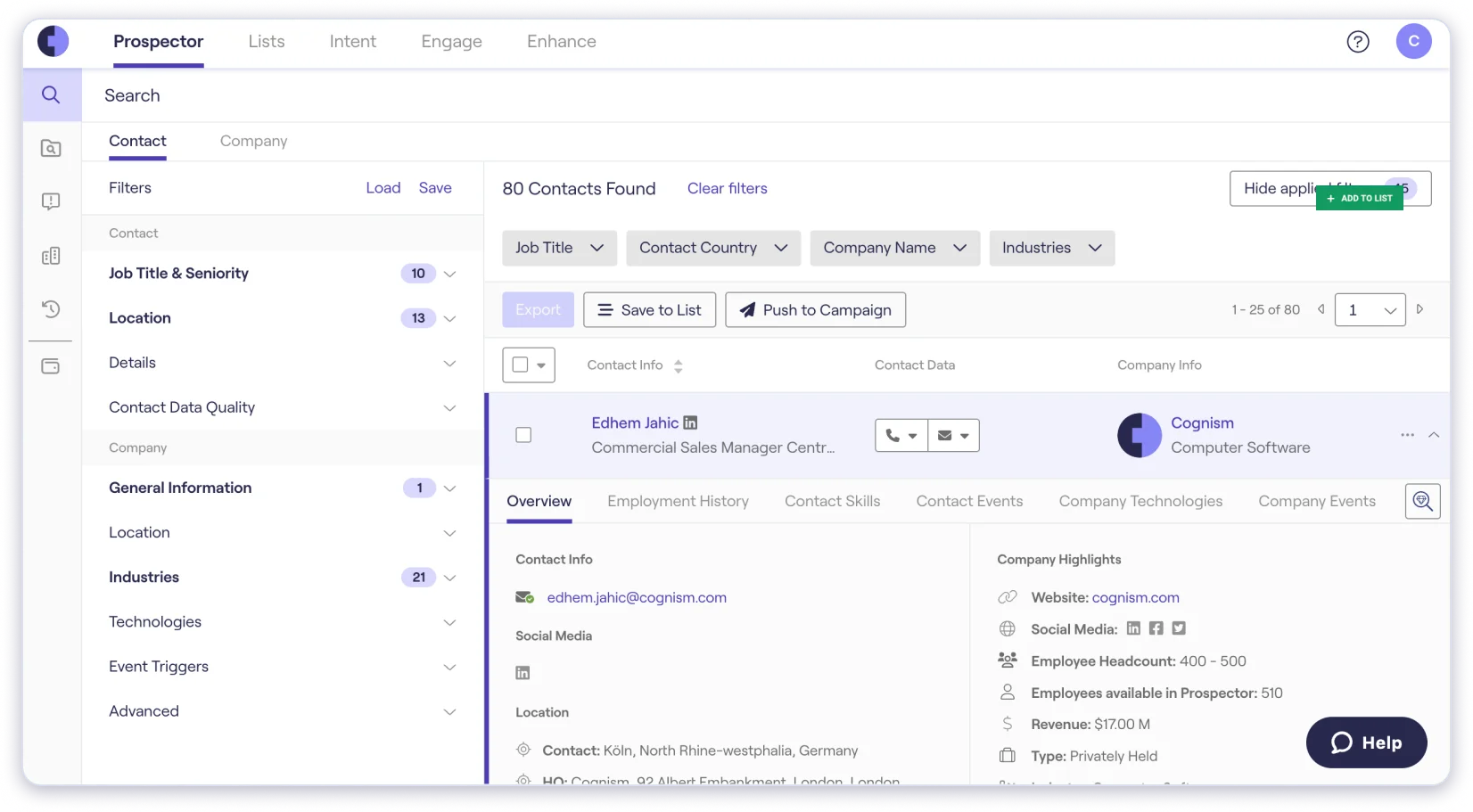
6. Cognism
Best For: Teams selling into European markets with strict GDPR and CCPA compliance requirements.
Cognism focuses on compliance-first enrichment with phone-verified mobile numbers (Diamond Data), strong EMEA coverage, and Bombora-powered intent data.
For teams where compliance is non-negotiable, it’s one of the stronger options.
Pros:
- Phone-verified mobile numbers with 98% accuracy
- Intent data and sales trigger events included
- Fully GDPR, CCPA, ISO 27001, and SOC2 compliant
Cons:
- Custom pricing only
- No self-serve trial to test data before signing a contract
- Coverage outside EMEA is weaker than US-focused tools
Pricing:
Custom, and you have to contact their sales team for a quote.
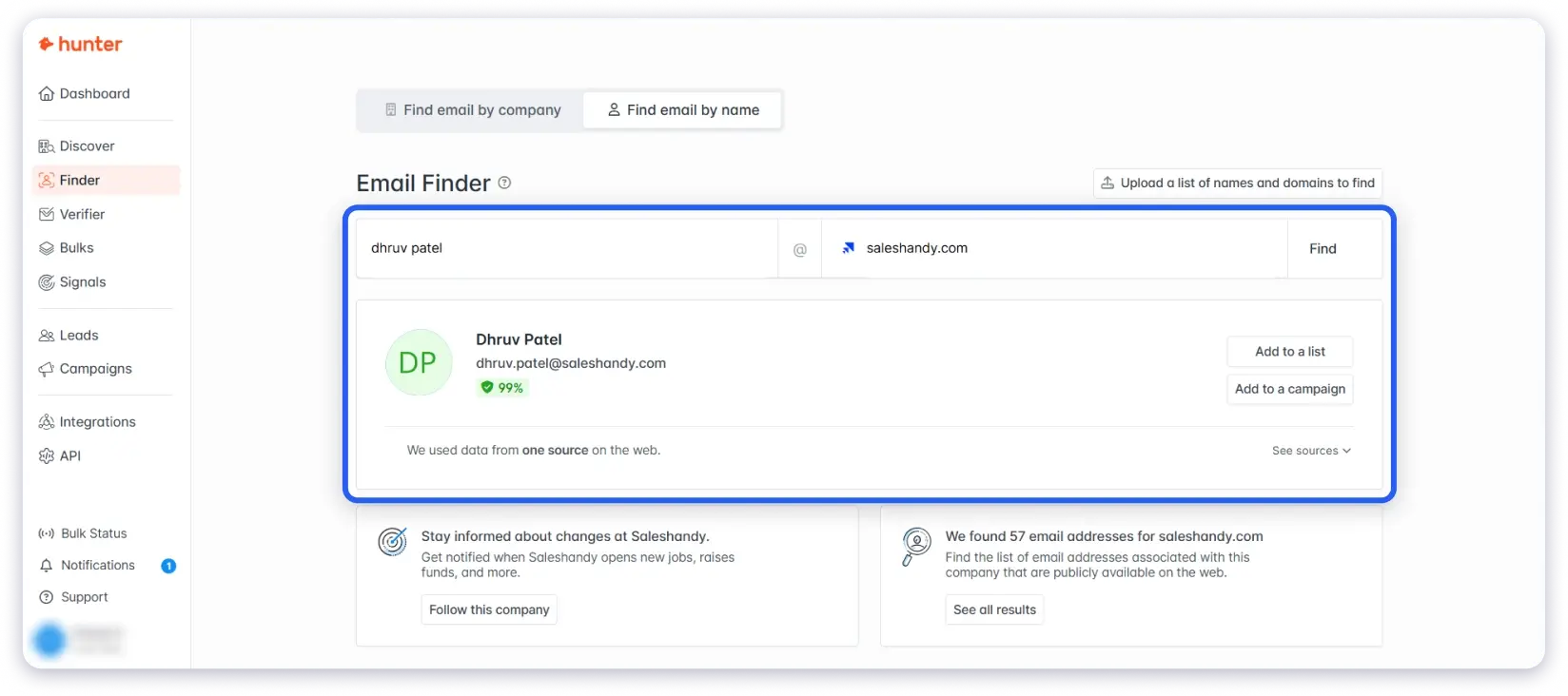
7. Hunter.io
Best For: Solo founders or small teams who primarily need email finding and domain-based verification.
Hunter.io is simple and reliable for finding work emails from domain names.
It migrated to a Unified Credit system in July 2025, so search, verification, and enrichment all draw from one pool now.
Pros:
- Simple and reliable for domain-based email enrichment
- Free plan available with no credit card required
- All paid plans include unlimited team members
Cons:
- Effective enrichment rate sits at around 32.5%, so most lookups return nothing
- No phone numbers, firmographic data, or buying signal enrichment
- Not a full B2B data enrichment platform
Pricing:
- Free plan available.
- Starter at $34/month (annual) for 2,000 unified credits.
8. Clay
Best For: RevOps and growth teams who want to build custom multi-source enrichment workflows.
Clay pulls from 150+ data providers and lets you build waterfall enrichment logic across them.
For teams that have a technical user available and want maximum flexibility, it’s powerful.

Pros:
- Waterfall enrichment across 150+ providers for maximum match rate
- Covers contact, firmographic, technographic, and intent data through one workflow
- An AI research agent can analyze company websites and surface buying signals
Cons:
- Steep learning curve and requires ongoing workflow maintenance
- High per-credit cost on the Starter plan relative to dedicated enrichment tools
- Requires separate subscriptions to many of the data providers it connects to
Pricing:
- Starter at $149/month (annual).
- Explorer at $349/month.
- Pro at $800/month.
How Do You Choose the Right Data Enrichment Tool?
With so many options, here’s how I’d think about it.
- Database Freshness Over Size: A smaller, real-time verified database beats a massive stale one every time. Ask how often data is re-verified, not just how many records exist.
- Waterfall vs. Single-Source Enrichment: Single-source tools miss contacts that aren’t in their database. Waterfall enrichment cascades through multiple providers, giving you a significantly higher match rate.
- Filter Depth: Can you filter by tech stack, buying signals, or funding stage? Shallow filters mean pulling broad lists and burning credits on poor-fit prospects.
- Integration Fit: Does it connect directly to your CRM and email finder tools? The fewer manual steps in the handoff, the more your team actually uses the data.
- Credit Model: Credit-based pricing sounds simple until you scale. Check whether unused credits roll over — they do with Saleshandy, they don’t with Apollo.
- Trial Access: Any tool worth using will let you test real data before committing. If a vendor won’t give you a sample, that’s a signal.
- Compliance Coverage: If you’re targeting European prospects, GDPR compliance isn’t optional. Check for CCPA coverage if you’re sending to California-based contacts.
My Recommendation?
For outbound-focused B2B teams, Saleshandy Lead Finder checks most of these.
Real-time verified data, waterfall enrichment, 75+ filters, CRM integration, and credits that roll over.
How Does CRM Data Enrichment Keep Your Pipeline Clean?
Your CRM goes stale faster than most people realize.
The average professional changes jobs every two to three years.
That means a meaningful chunk of your existing pipeline contacts have incorrect job titles, incorrect companies, or dead email addresses.
CRM data enrichment fixes this by re-verifying and updating existing records, not just by adding new prospects to sequences.
A few things worth keeping in mind:
- Enrich at the point of prospecting, not after. Starting with verified data is cleaner than fixing a broken list later.
- Schedule re-enrichment every 90 days for contacts that haven’t been engaged recently. Even well-maintained lists drift.
- For a complete picture of where contacts sit in your pipeline, Saleshandy CRM pairs well with Lead Finder. You can find enriched contacts and track every email, reply, and follow-up from one Kanban-based view.
If you want to go deeper on building B2B lead lists from scratch, that guide covers the full prospecting process end to end.
FAQs on Data Enrichment
1. What is data enrichment in lead generation?
It’s the process of taking a raw contact and adding context needed to qualify and reach them properly: verified email, job title, company size, tech stack, and buying signals.
Without it, lead generation produces volume. With it, it produces a pipeline.
2. How often should I refresh data enrichment in my system?
Every 90 days for active outreach lists. Job changes happen constantly, and contacts that were accurate in Q1 can be stale by Q3.
Re-enrich CRM records before any re-engagement campaign, too.
3. What’s the difference between manual enrichment and automated tools?
Manual means your team researches each contact one by one on LinkedIn or company websites.
It’s accurate but doesn’t scale. Automated tools do the same in seconds.
For teams sending more than 50 emails a week, manual isn’t a realistic option.
4. Can enrichment introduce bad data into my outreach?
Yes, if the tool doesn’t verify its data properly. Always run a deliverability check before a large send, even after enrichment, to catch anything that slipped through.
5. What is waterfall enrichment?
It means the tool doesn’t rely on one data source. When provider A can’t find a match, it tries provider B, then C, until a verified match is found.
The result is a much higher match rate compared to single-source enrichment.
6. What is the best data enrichment tool for cold email outreach?
One that combines verified contact data with email-specific features.
Saleshandy Lead Finder covers this: 800M+ contacts, real-time verification, waterfall enrichment, buying signal filters, and direct integration with cold email sequences.