 Piyush Patel
 Contents
- 1 Email MCP Server – TOC
- 2 What is an Email MCP Server?
- 3 What are the Types of Email MCP Servers?
- 4 How Email MCP Servers Work
- 5 What Are the Different Email MCP Server Use Cases?
- 6 5 Top Email MCP Servers to Use in 2026
- 7 How to Choose the Right Email MCP Server
- 8 TL;DR: Email MCP Servers Change How Cold Email Is Managed
- 9 FAQs About Email MCP Servers
AI tools have become part of how we work every day.
Many of us use tools like ChatGPT or Claude to write emails, plan outreach, or think through ideas.
However, these tools still work separately from the systems we rely on daily. They can suggest what to do, but they cannot act inside tools like your personal Gmail or your cold email platform.
This gap of switching between thinking and execution slows work and breaks focus.
The Model Context Protocol (MCP) is designed to solve this by allowing AI to connect with email systems in a structured way.
In this guide, I’ll explain what an Email MCP Server is, how it works, its use cases, and the top Email MCP servers you can use today.
The goal is to help you understand the concept clearly, even if you are new to MCP.
Email MCP Server – TOC
- What is an Email MCP Server?
- What are the Types of Email MCP Servers?
- How Email MCP Servers Work
- What Are the Different Email MCP Server Use Cases?
- 5 Top Email MCP Servers to Use in 2026
- How to Choose the Right Email MCP Server
- TL;DR: Email MCP Servers Change How Cold Email Is Managed
- FAQs About Email MCP Servers
What is an Email MCP Server?
An Email MCP Server is a system built on the Model Context Protocol (MCP) that allows AI models to work directly with email service providers (ESPs) and other email platforms.
Instead of relying only on text you paste into a prompt, an Email MCP Server lets the AI access email data from the source.
This includes inbox messages, email threads, campaign status, and other email details that help the AI understand what is going on.
At a basic level, an Email MCP Server sits between the AI and your ESPs or cold email platform. It acts as a connection layer that controls how the AI reads and acts on email data.
The AI does not connect to your ESP or inbox on its own. All access happens through the MCP server.
An Email MCP Server defines:
- What email data can the AI access
- What actions is the AI allowed to take
- How information moves between the AI and the email platform
Because this access is permission-based, the AI works with up-to-date email data while you stay in control of what it can see and do.
Email MCP Servers represent one popular category of MCP implementations, tailored to email service providers (ESPs) and cold email platforms.
The same protocol can connect AI to many other systems, such as personal Gmail accounts, CRMs like HubSpot, or general databases.
What are the Types of Email MCP Servers?
Email MCP Servers can be categorized based on how they run and how AI connects to them.
The difference is not about features, but about the communication method, setup effort, and accessibility. At a high level, there are two practical types of Email MCP Servers:
Both follow the same MCP standard, but they operate very differently.
1. Hosted Email MCP Servers
Hosted Email MCP Servers are managed and run by the platform that provides them.
These servers usually run in the cloud and are accessed through a secure server address. Your AI tool connects to this address to start working.
With hosted Email MCP Servers:
- You add the MCP server address to your AI tool
- You authorize access to your cold email software
- You start using it without installing anything
- There is no server setup or background process to manage
Because these MCP servers run remotely, they are available whenever needed. Multiple users or AI agents can connect at the same time.
On top of that, updates, security, and maintenance are handled by the provider. This makes hosted Email MCP Servers suitable for teams that want to use AI with email workflows without managing email infrastructure.
2. Self-Hosted Email MCP Servers
Self-Hosted Email MCP Servers are installed and run by your own team. Instead of connecting to a provider-managed server, you download the MCP server and host it yourself.
These servers usually run locally or within your own cloud environment.
With self-hosted Email MCP Servers:
- The MCP server runs on your own infrastructure
- The AI connects through local processes or direct connections
- Data stays within your environment
- You control how email systems are exposed
Self-hosted MCP servers give you complete control over data flow and system behavior. This is useful for teams with strict security needs or custom workflows.
However, this setup requires technical knowledge to install, run, and maintain the server.
Because of this, self-hosted Email MCP Servers are usually better suited for developers or teams comfortable managing infrastructure.
How Email MCP Servers Work
At a simple level, an Email MCP Server acts as a translator between an AI model and your email system.
AI models understand natural language, like the instructions you type. Email systems, on the other hand, work using technical APIs and rules.
The Email MCP Server sits in between and makes sure both sides understand each other.
Instead of the AI guessing how to read or send emails, the MCP Server gives it a clear set of actions it can use, such as searching emails or replying to a message.
The Three Key Parts in the MCP Workflow
To understand how this works, it helps to see the three parts involved in the interaction.
1. The Host (What you see)
This is the app you interact with, such as ChatGPT, Claude, or another AI interface. It shows the chat window and manages the connection.
2. The AI Model (Who decides)
This is the AI that reads your instructions and decides what needs to be done. It does not access emails directly.
3. The Email MCP Server (The bridge)
This is the system that connects the AI to your email account. It understands both the AI’s requests and the email system’s language.
How a Request Moves from AI to Email
Here is a simple step-by-step view of what happens when you give an instruction.
Step 1: The AI learns what it can do
When the AI connects to the Email MCP Server, it first asks what actions are available. The server responds with a list of supported actions, such as searching emails or sending replies.
Step 2: You give an instruction
You type something like:
“Find the email from Bob and reply yes.”
Step 3: The AI chooses the right action
The AI understands that it needs to look for an email first. It selects the appropriate action provided by the MCP Server, such as searching the inbox.
Step 4: The MCP Server handles the email system
The Email MCP Server takes the AI’s request and communicates with your email provider. It fetches the required email and prepares the information in a clean format.
Step 5: The AI responds or takes action
The AI receives the email context, understands it, and prepares the reply. If sending an email is allowed, the action is completed through the MCP Server.
What Are the Different Email MCP Server Use Cases?
By now, you understand what an Email MCP Server is and how it works. What may still be unclear is how it helps you day to day.
Its value shows up in daily execution by reducing tool switching and making actions easier. The next section shows how this works in practice.
Below are the most important use cases for applying an Email MCP Server in day-to-day workflows.
- Automating Email Campaigns and Sequences
- Monitoring and Managing Email Accounts
- Prospect and Contact Management
- Inbox Monitoring and Reply Handling
- Analytics and Performance Insights
1. Automating Email Campaigns and Sequences
Running cold email campaigns is not a one-time setup. You regularly review performance, adjust follow-ups, pause weak sequences, and launch new ones.
With an Email MCP Server, AI can work with your campaign context instead of operating on fixed rules.
You can use AI to:
- Review which sequences are active and how they are performing
- Identify underperforming campaigns that need changes
- Pause, resume, or update cold email sequences without opening dashboards
- Create new sequences using simple instructions
This allows you to manage campaigns continuously without breaking your workflow.
2. Monitoring and Managing Email Accounts
As you connect more email accounts, keeping track of their health becomes more challenging. Small issues can go unnoticed until they affect outreach results. Email MCP Servers help you stay informed without manual checks.
You can use AI to:
- View all connected email accounts in one place
- Check usage and activity across inboxes for email deliverability test
- Identify accounts that need attention
- Stay aware of changes that impact sending consistency
This helps you maintain better control as your outreach scales.
3. Prospect and Contact Management
Managing prospects involves more than adding contacts to a list. Imports, field mapping, suppressed contacts, and list hygiene require regular attention. Email MCP Servers allow AI to assist with these operational tasks.
You can use AI to:
- Import prospects into the correct sequences
- Verify and map contact fields properly
- Manage do-not-contact lists
- Search and review suppressed contacts
This reduces manual work and helps you maintain cleaner, more reliable outreach data.
4. Inbox Monitoring and Reply Handling
Inbox management is time-sensitive and often interrupts your focus. Replies can arrive at any time, and missing them can slow conversations. Email MCP Servers help you stay responsive without constant inbox checking.
You can use AI to:
- Check unread email threads
- View complete conversation history
- Identify replies that need immediate action
- Assist with replying when appropriate
This makes it easier to handle conversations promptly while staying focused on other work.
5. Analytics and Performance Insights
Email analytics are meant to guide decisions, but accessing them often requires navigating multiple reports. Email MCP Servers make performance data easier to query and understand.
You can use AI to:
- Fetch performance metrics at the sequence level
- View consolidated outreach results
- Track changes after campaign updates
- Identify trends across campaigns over time
This allows you to act on insights quickly instead of spending time gathering data.
5 Top Email MCP Servers to Use in 2026
1. Google MCP Server
The Gmail MCP Server allows AI tools to connect directly with your Gmail account using the Model Context Protocol.
It is mainly used by individuals who want AI help with managing their personal inbox or Google Workspace email.
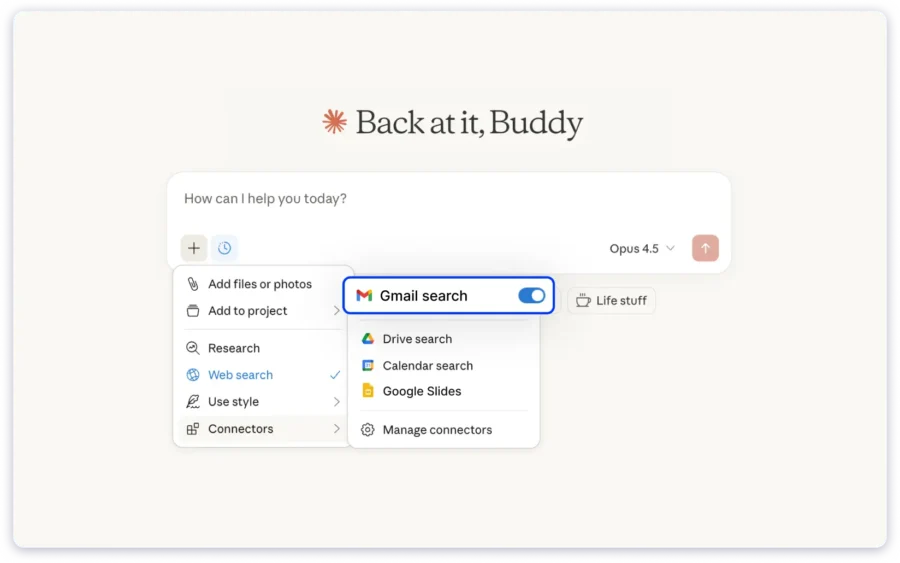
This MCP server connects locally to your Google account through Gmail APIs. It allows AI to read emails, understand conversation threads, and help with common inbox tasks.
Access is permission-based, and you remain in control of what the AI can see and do.
With the Gmail MCP Server, you can:
- Read and search email threads
- Summarize long conversations
- Create and save draft replies
- Apply and manage labels
- Keep inbox activity organized
The Gmail MCP Server works well for personal email management and daily inbox handling. It is not built for sending cold emails at scale or managing outreach campaigns.
2. Saleshandy MCP
Saleshandy MCP lets you connect AI directly to your Saleshandy account using the Model Context Protocol. Instead of using AI only for writing cold emails or reviewing reports, you can use it to work inside your outreach system.
Your AI can understand what is happening across campaigns, inboxes, tasks, and performance using live Saleshandy data.
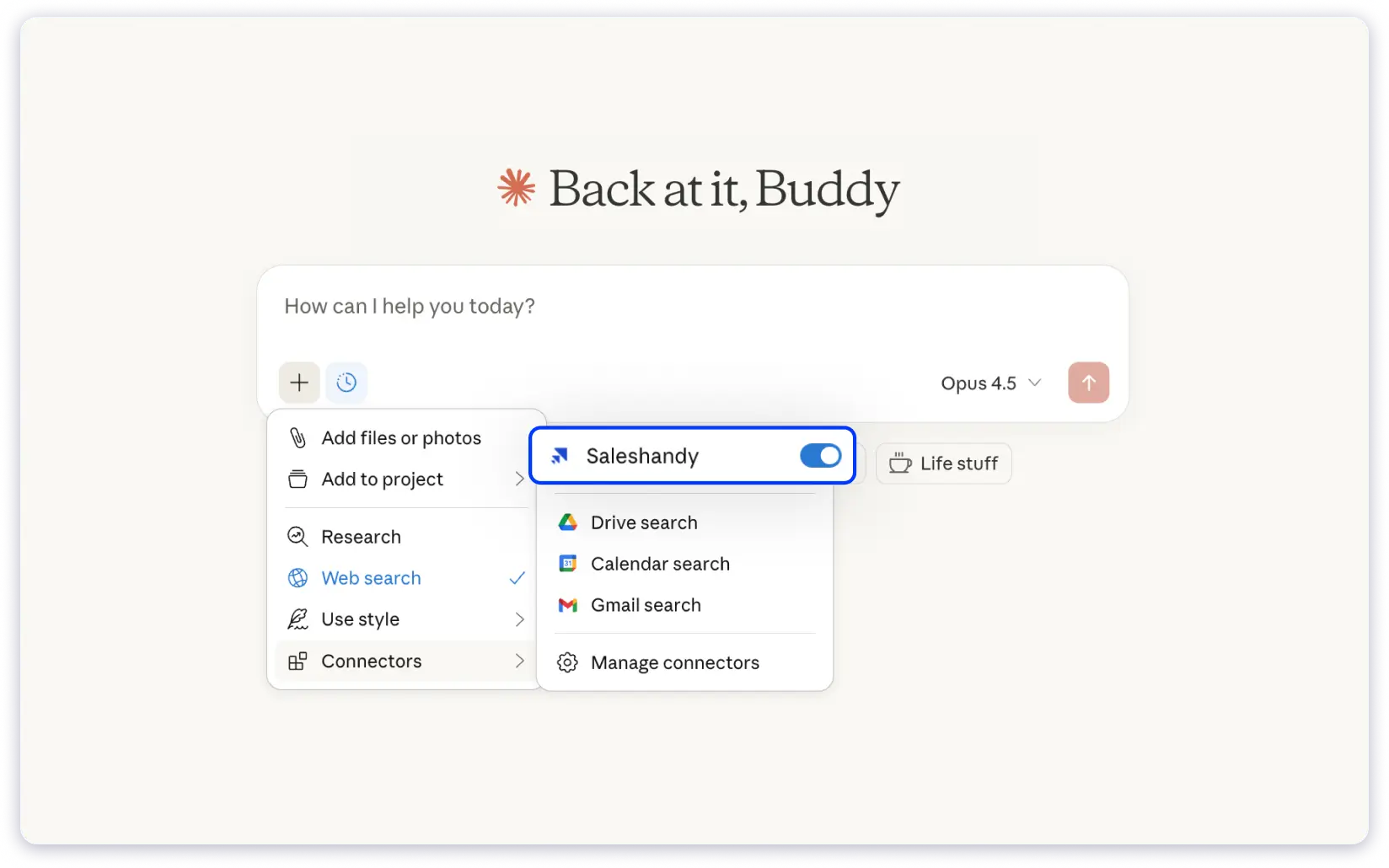
Saleshandy MCP helps reduce the gap between deciding what to do and acting on it. With your permission, the AI can carry out outreach tasks through simple prompts.
You do not need to open the app or switch between screens.
You describe what you want to do, and Saleshandy executes it from the AI tool you already use.
This is not a reporting-only setup and does not provide read-only access. You remain in control at every step.
With Saleshandy MCP, you can perform 40+ outreach actions, including:
- Ask questions about your cold outreach and get answers from live data
- Create, pause, update, and manage email sequences and campaigns
- Add, monitor, and review email accounts and their performance
- Import prospects, map fields, and manage do-not-contact lists
- View, snooze, skip, or complete tasks, including bulk actions
- Check unread inbox conversations and reply to emails
- Fetch sequence-level analytics and review overall outreach performance
Overall, Saleshandy MCP lets you manage most of your outreach workflow from a single AI interface, without constant movement between tools.
You can refer to this detailed blog post on Saleshandy MCP for a complete understanding. Plus, you can learn how to use Saleshandy MCP.
Write, Send, and Reply to Your Cold Email Campaigns from Claude and ChatGPT
3. Instantly MCP Server
Instantly MCP lets you connect AI assistants directly to your Instantly account using the Model Context Protocol. Instead of managing campaigns, leads, and reports through the Instantly dashboard, you can ask your AI to handle these tasks for you.
The AI understands your request, connects to Instantly through MCP, and carries out the action using your account data.
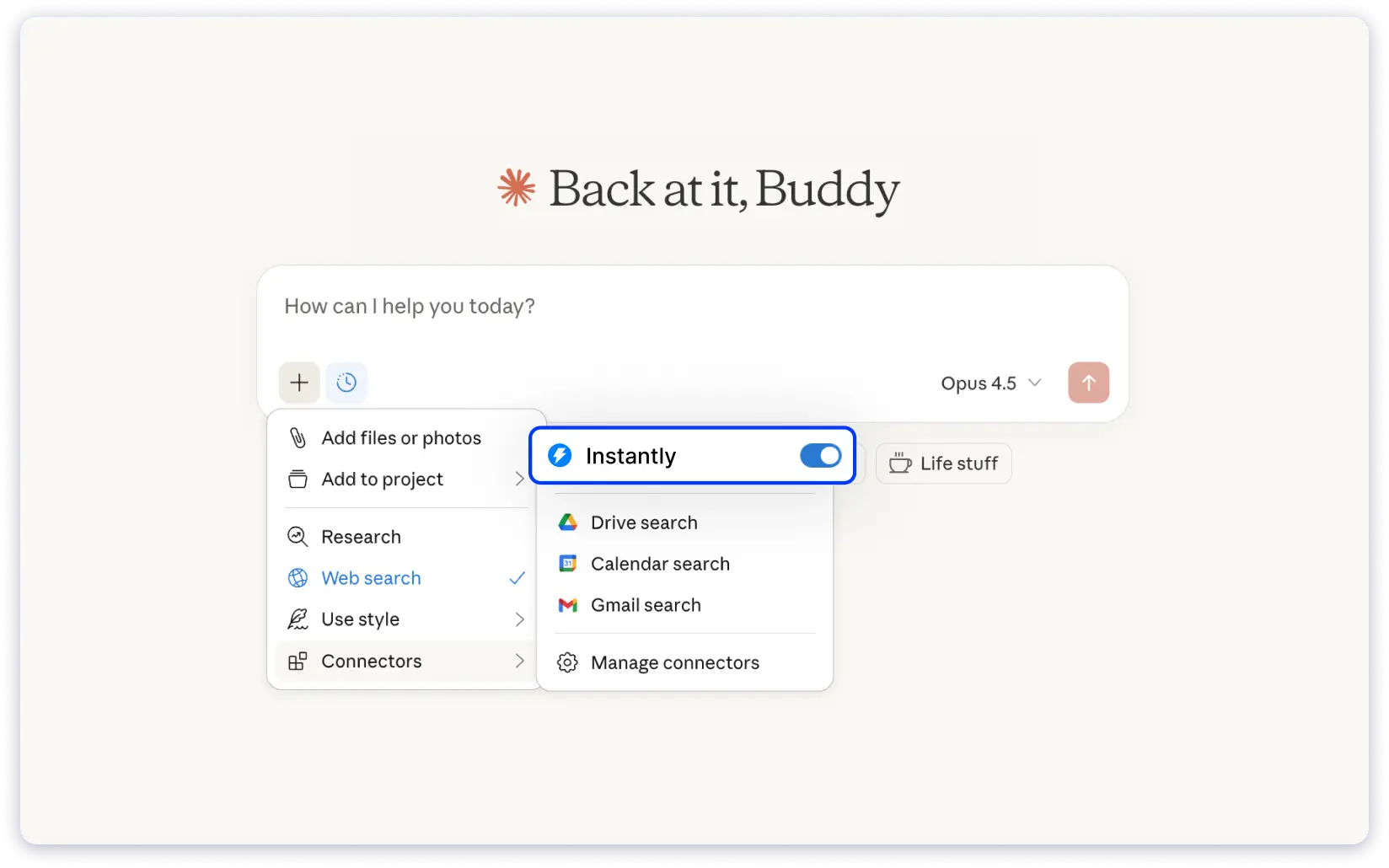
With Instantly MCP, your AI can work across campaigns, leads, inbox activity, and analytics, based on the access you allow. You describe what you want to do in plain language, and Instantly executes it from the AI tool you are using.
This setup focuses on execution, not just insights, while keeping you in control of permissions and actions.
With Instantly MCP, you can perform 31 outreach actions across 5 categories, including:
- Create, pause, update, and review email campaigns
- Add, move, and manage leads across campaigns and email lists
- View email replies, unread messages, and reply to emails
- Check reply rates, campaign performance, and daily breakdowns
- Manage sending accounts and review account status
Instantly MCP works with MCP-supported tools like Claude, Cursor, n8n, and other compatible AI clients, allowing you to manage outreach from the same place where you plan and review your work.
If you are not sure about this platform, you can read a complete review of the Instantly platform.
4. Smartlead MCP
Smartlead MCP lets AI models connect directly with your Smartlead account using the Model Context Protocol.
Once connected, you can access and work with your Smartlead data directly in your AI tool, without logging in to the Smartlead dashboard. This allows you to check campaign status, review performance, and run diagnostics directly from your chat interface.
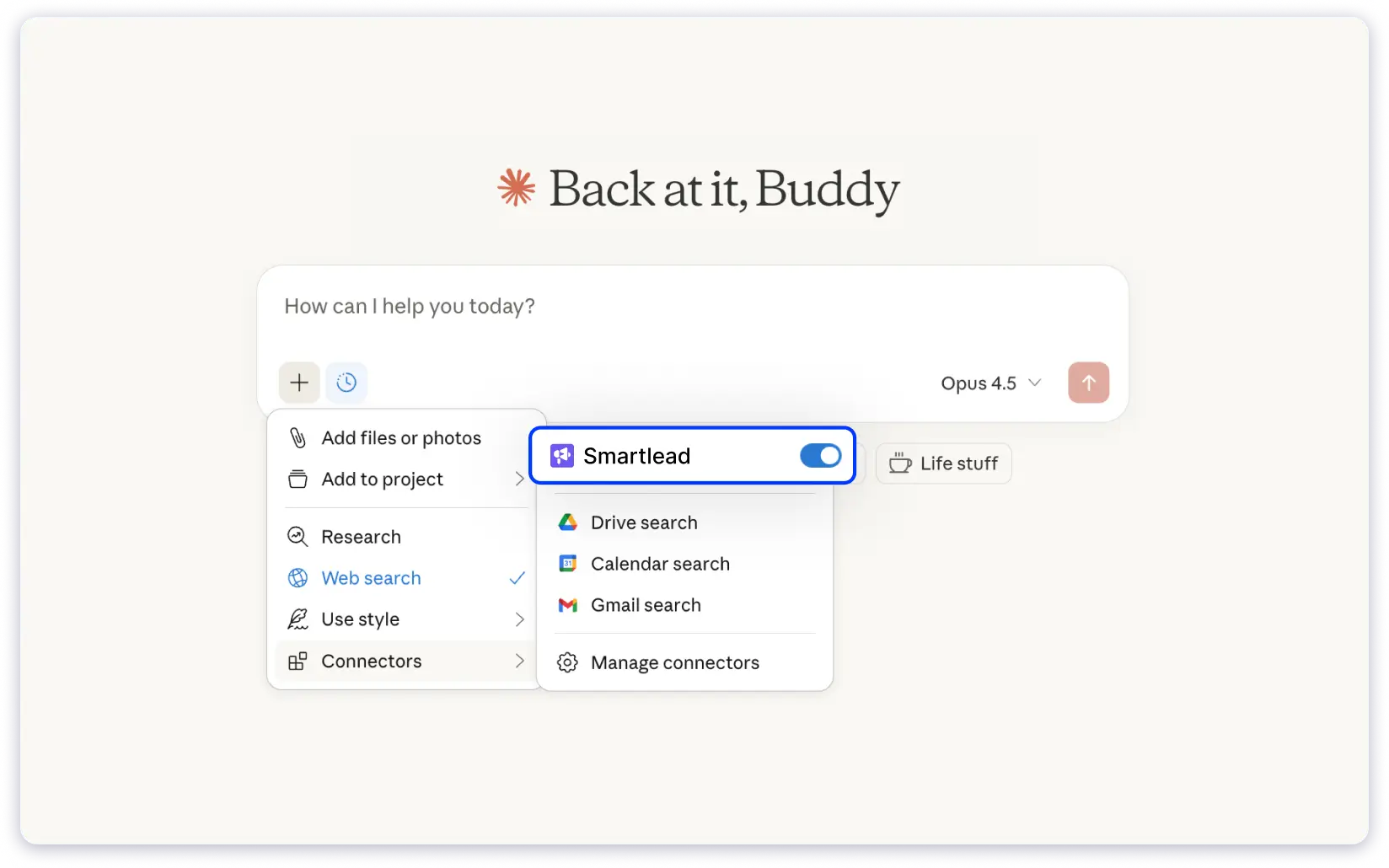
Smartlead MCP is mainly designed for visibility and diagnostics. It allows your AI to fetch campaign insights, monitor deliverability, and access lead and account data using your Smartlead API access.
The integration uses Server-Sent Events (SSE) and is currently supported in Claude Desktop. You retain control over access, and your API key remains local to your setup.
With Smartlead MCP, you can perform actions such as:
- Fetch campaign status and performance insights
- Review lead, sender, and account data
- Run email deliverability test and health diagnostics
- Check spam and inbox placement indicators
- Access Smartlead data through AI without switching tabs
Smartlead MCP is useful if you want to monitor outreach health, diagnose issues, and review performance using AI, while keeping campaign execution and setup inside Smartlead itself.
Read this detailed review of the Smartlead cold email tool to get a complete understanding and know if it’s the right fit for your requirements.
5. QuickMail MCP
QuickMail MCP lets you connect AI tools directly with your QuickMail account using the Model Context Protocol.
Instead of logging into QuickMail to manage prospects or journeys, you can ask your AI assistant to perform actions for you. The AI understands your request, connects to QuickMail through MCP, and applies the change inside your account.
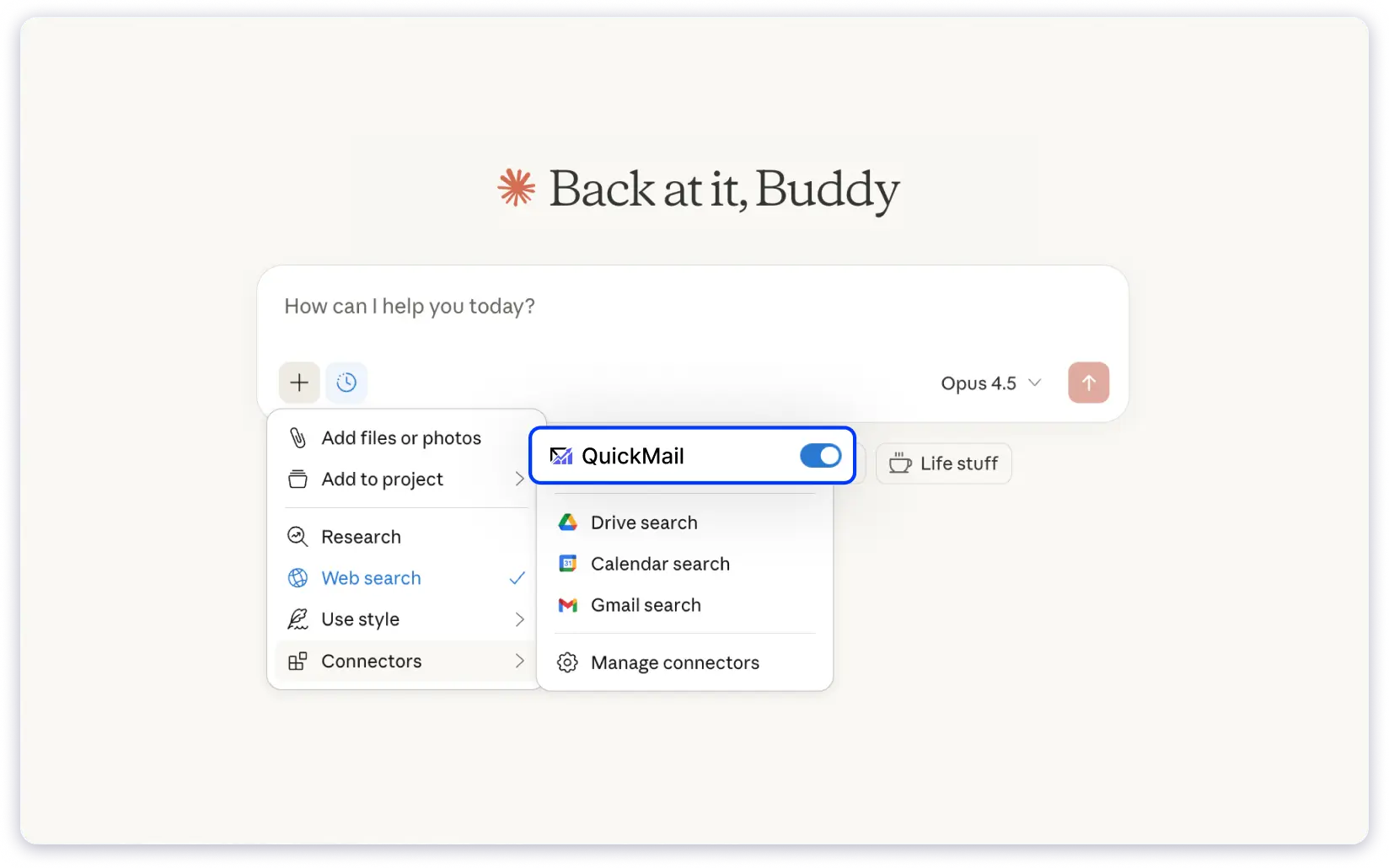
QuickMail MCP is designed around specific outreach actions rather than full system control. You choose which QuickMail actions your AI can perform, and those actions are executed securely through MCP servers such as Zapier MCP or viaSocket MCP.
This gives you flexibility to use QuickMail with AI tools like ChatGPT, Claude, Cursor, or Zapier Agents, while keeping action scope limited and controlled.
With QuickMail MCP, you can perform actions such as:
- Cancel all journeys for a prospect and remove them from buckets
- Create a new prospect or update an existing one
- Unsubscribe a prospect to stop further emails
- Trigger QuickMail actions from AI tools without manual navigation
QuickMail MCP is a good fit if you want to use AI to handle specific outreach actions inside QuickMail.
This is especially for prospect-level management and journey control, without managing complex integrations or workflows.
How to Choose the Right Email MCP Server
Choosing the right Email MCP Server is less about feature lists and more about how you plan to use it in your daily work. The right setup should reduce effort and friction, not introduce another system you need to manage.
Below are the key factors you should consider before making a choice.
- Start With Your Use Case
- Permission and Control Options
- Integration With Your Existing Tools
- Ease of Use Over Time
1. Start With Your Use Case
Begin by being clear about what you want AI to help you with. Different teams use Email MCP Servers in different ways, depending on where they spend most of their time.
Ask yourself:
- Do you want help with execution or mainly visibility?
- Will you use MCP every day or only occasionally?
- Do you want the AI to take actions or only surface insights?
Your answers here will shape every other decision.
2. Permission and Control Options
A good Email MCP Server should give you clear control over what the AI can see and do.
Make sure you can:
- Decide which email data the AI can access
- Limit which actions the AI is allowed to perform
- Review or approve sensitive actions
This ensures the MCP setup supports your workflow without creating unnecessary risk.
3. Integration With Your Existing Tools
The Email MCP Server should fit into how you already work, not force you to change it.
Check whether it:
- AI tools like ChatGPT, Claude, Cursor, or other MCP-supported clients
- Email platforms and outreach tools such as Gmail, Google Workspace, Saleshandy, Instantly, or more
- Automation tools like n8n or Zapier, if you use AI-driven workflows
It should connect smoothly without breaking your current setup. If you can continue working the same way, the MCP server will be easier to adopt and use over time.
4. Ease of Use Over Time
Think beyond the first setup. An Email MCP Server should feel natural to use every day.
You must look for:
- How simple the prompts feel in daily use
- Whether responses are easy to understand
- How much effort it takes to remember commands
- Whether it fits into your normal work routine
If you find yourself using it regularly without friction, it is a good fit for your workflow.
TL;DR: Email MCP Servers Change How Cold Email Is Managed
Email MCP Servers help connect AI with the cold email outreach tools you already use. Instead of limiting AI to writing or analysis, MCP allows it to work with email data and actions in a structured way.
For cold emailing, this matters because outreach involves daily work. You manage campaigns, handle replies, complete tasks, and review performance. Email MCP Servers help bring these activities together so AI can support your workflow without changing how you work.
You can already use this approach with Saleshandy MCP, which allows your AI to understand what is happening in your outreach and carry out tasks based on the access you allow.
As AI becomes part of everyday work, Email MCP Servers provide a way to use it alongside cold email campaigns, without adding extra complexity.
As AI becomes part of everyday work, Email MCP Servers, one key application of the broader MCP standard, provide a way to use it alongside cold email campaigns
FAQs About Email MCP Servers
1. How does an MCP server differ from a regular email API?
A regular email API is built mainly for developers and requires code to work with email systems. It is used to perform specific actions like sending or fetching emails.
An Email MCP Server connects AI tools to email platforms using a standard method. It allows you to use natural language instructions while keeping access and actions controlled through permissions.
2. Who can benefit from using an email MCP server?
Email MCP Servers are useful for anyone who works with email on a regular basis.
This includes sales teams, founders, marketing teams, RevOps teams, and users who want AI support for daily email work beyond writing or analysis.
3. What tasks can I perform using Saleshandy MCP?
With Saleshandy MCP, you can handle many outreach tasks through AI prompts.
This includes managing sequences, monitoring campaigns and accounts, importing prospects, handling tasks, checking inbox replies, and reviewing outreach performance.
4. Can MCP servers help me respond to emails faster?
Yes. MCP servers allow AI to surface inbox messages that need attention and assist with replies when allowed. This reduces the time spent checking inboxes and switching between tools.
5. Can I use an MCP Server with my personal Gmail?
Yes. You can use the official Gmail MCP server (often found in community repositories or official integrations) for personal tasks. However, avoid using this for mass outreach, as it can risk your personal domain reputation.