Dhruv Patel
 Contents
Composing an effective cold email that prompts a response requires precision and strategy, and it can be a time-consuming process.
Building a full sequence that consistently engages decision-makers is even more complex.
You’re juggling personalization, timing, tone, and the pressure to grab attention, all while trying to hit your outreach goals.
That’s why we built the AI Sequence Copilot inside Saleshandy, your shortcut to writing high-performing cold email sequences.
Introducing AI Sequence Copilot – TOC
What is AI Sequence Copilot?
The AI Sequence Copilot in Saleshandy is a built-in tool that helps you create a comprehensive, multistep email sequence in just a few clicks, without needing to write every line from scratch.
Simply enter your business details, specify your outreach goal, and answer a few questions. Then, you’ll receive a ready-to-edit sequence explicitly crafted for your company and audience.
It’s not just about using AI. It’s about making your workflow easier when you’re juggling multiple tasks and achieving your goals, which is to book more meetings without spending too much time to craft a high-impact email.
We’ve seen our users struggle with:
- Not knowing what to write or how to start
- Spending too long on emails that never get replies
- Reusing outdated templates that feel generic
- Not following up enough (because writing more emails = more work)
The AI Sequence Copilot flips that. It helps you get unstuck, provides an easier starting point, and enables you to send emails faster without sounding robotic.
You can focus on what really matters: getting replies, booking more meetings, and moving deals forward.
How to Create your Cold Email Sequence with AI Sequence Copilot
- Head to your Saleshandy dashboard and click the “Write with AI” button. That kicks off the sequence generator flow.
- You’ll be asked to add your business details next. You can either enter your company website (the system will scan it for key information) or click “Add Business Info” to manually input details such as your industry, services offered, and target audience.
Just pick one method: website or manual entry.
- Once that’s done, you’ll have the opportunity to review everything. The AI generates your business description, offerings, and target audience.
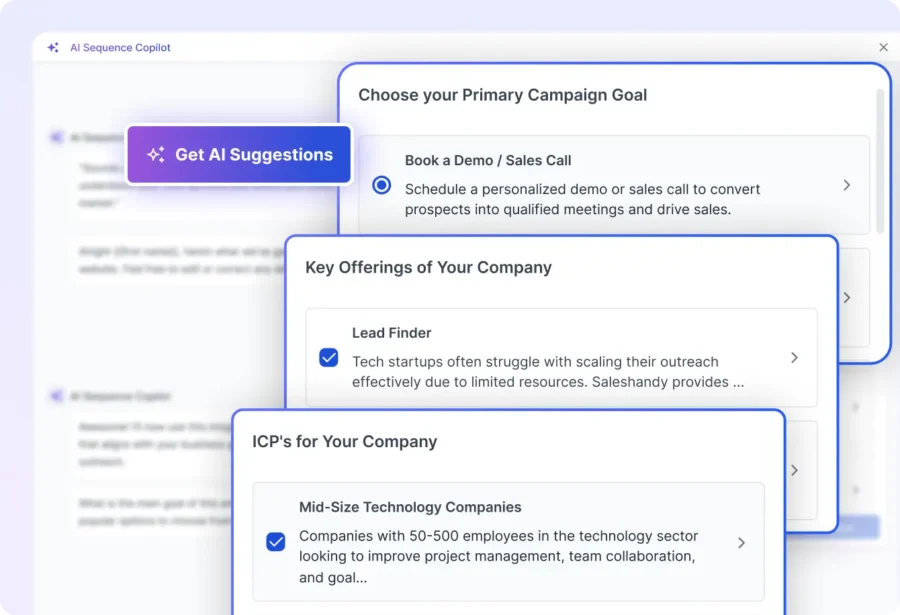
This is your opportunity to rectify any discrepancies or incompleteness before proceeding. - The AI copilot will extract data, such as goals, ICP, and Offerings, from your website. You can then edit the AI-generated choose goal, offering, and ICP for your sequence. Whether it’s booking meetings, promoting a feature, or generating leads, the tool will shape your email tone and structure accordingly.
You can let AI recommend one for you if you are not sure which one to pick. - Next, you’ll answer a few quick prompts related to your campaign goals. These help the system add more context to your outreach, and you can either choose manually or let it auto-pick options.
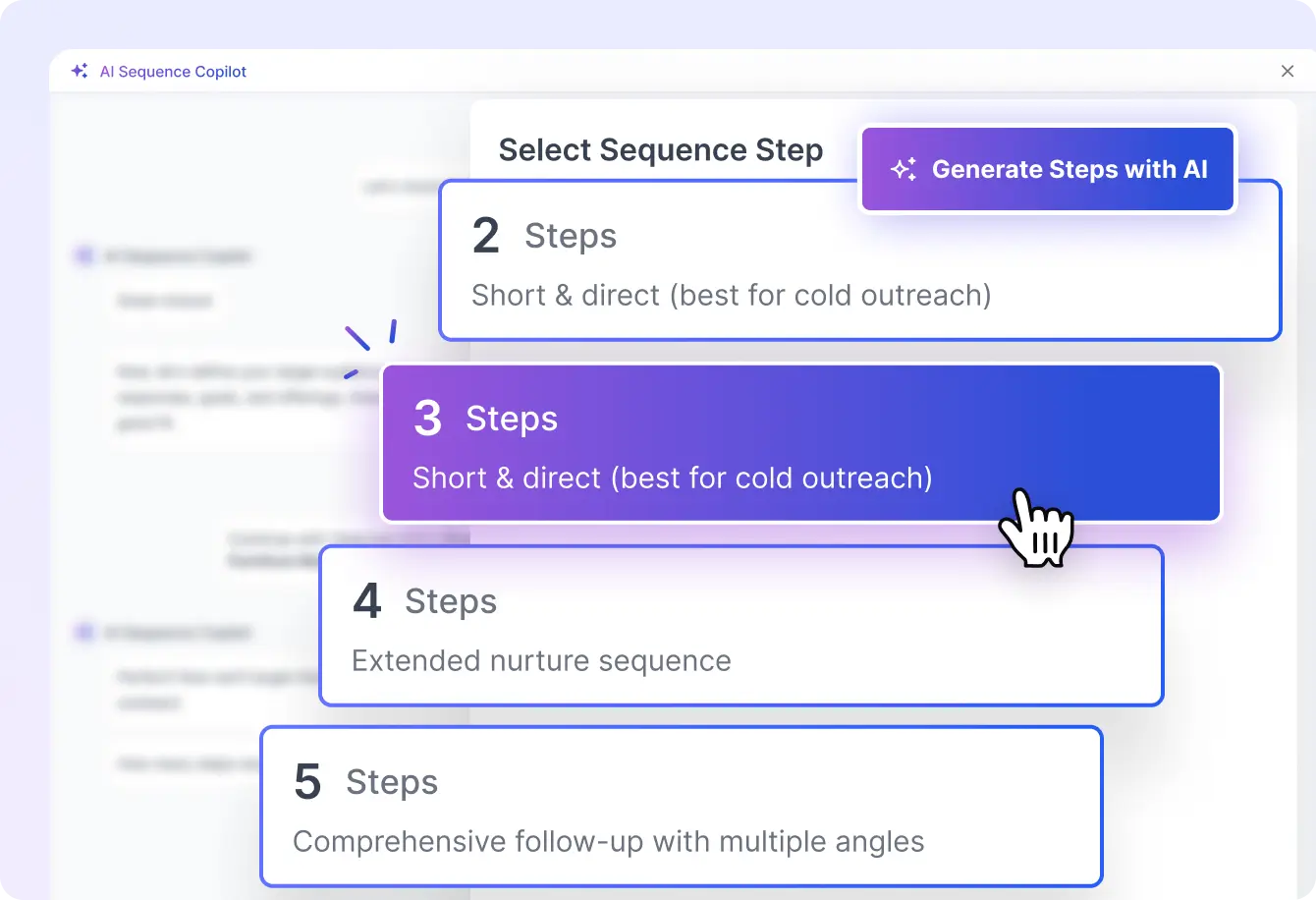
- After that, choose how many steps you want in your sequence. You can go as light as two emails or as deep as six.

Once your sequence is generated, review each email. You can tweak the copy, change the tone, and even regenerate a version using the Edit with AI button at the top of each step.
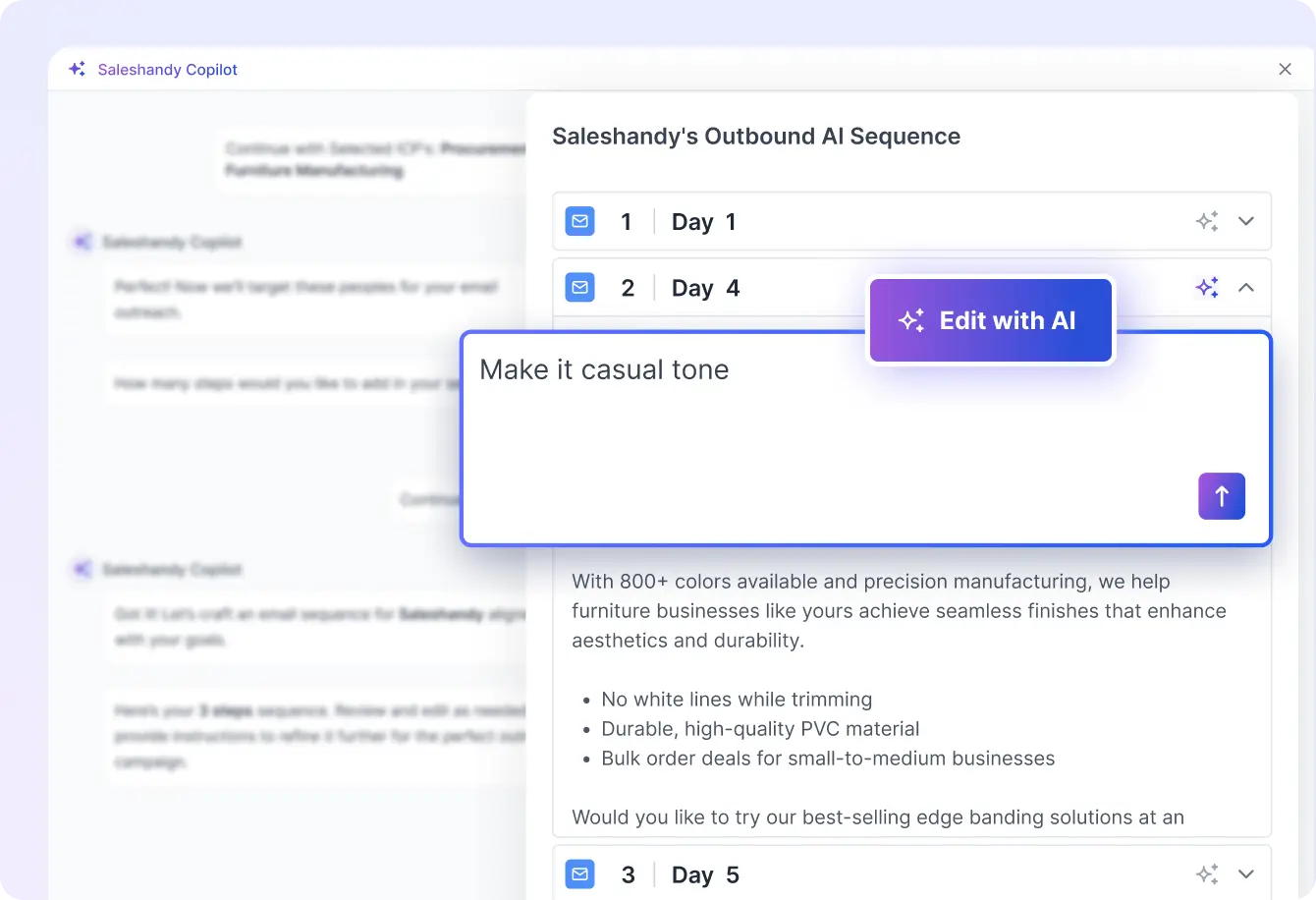
AI Sequence Copilot already saves you hours by turning a website URL into a personalized cold email sequence. But there’s more it can do, and you might not even know it yet:
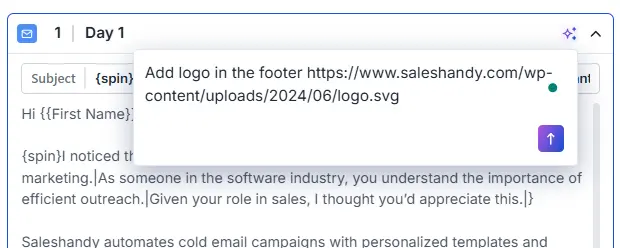
1. Add Your Logo to the Email
Want your emails to look more branded and professional? Simply paste your company’s logo URL into the Copilot chat after generating the email.
You can include it directly in the message layout, with no formatting required from your side.
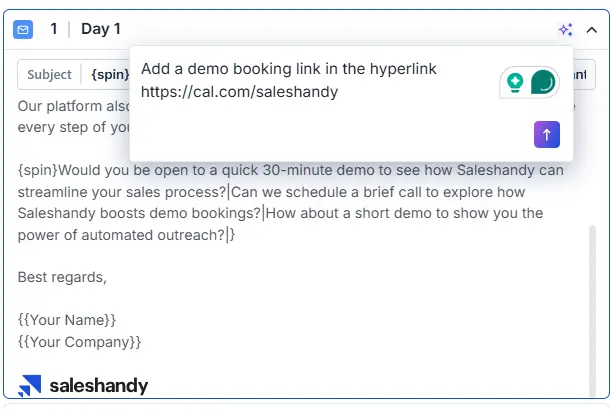
2. Insert Hyperlinks with Custom CTAs
Need to direct prospects to a demo, booking link, or landing page? Tell Copilot to embed the hyperlink where it fits best, you just provide the text and the URL.
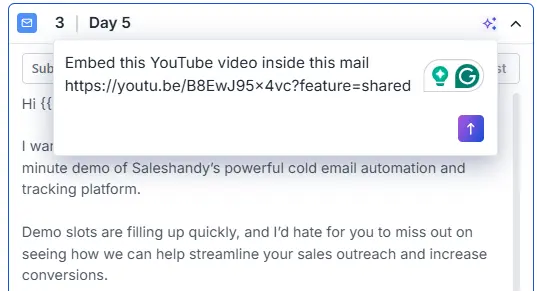
3. Embed Videos or Images (Yes, even YouTube)
If you want to include a video walkthrough, a testimonial, or a product image, click the AI button ✨ and mention it in the box.
Copilot can embed YouTube links, images, or other media into your sequence to make your outreach more engaging.
These are small additions, but they can make a significant difference in how your emails appear and function.
So go ahead and experiment with your next sequence. You’ll be surprised how quickly you can turn plain emails into personalized, high-converting outreach.
And finally, once you’re happy with everything, click Add to Sequence, and it’s ready to launch.
Ready to Generate your AI Sequence?
You don’t need to be a writer to send great cold emails. You need a smarter and easier way to start.
The AI Sequence Copilot helps you go from “I don’t know what to say” to “This is ready to send” in minutes.
Whether you’re reaching out to book meetings, re-engage old leads, or promote something new, this tool helps you get your outreach out the door faster.
👉 Log in to Saleshandy and create your first AI-powered email sequence today.