Anil Salvi
 Contents
- 1 Lusha Vs. Apollo – TOC
- 2 TL;DR — Lusha vs. Apollo: Who Should You Pick?
- 3 Lusha vs. Apollo: Feature-by-Feature Comparison
- 4 Final Verdict: Which Is the Best Prospecting Tool for You?
- 5 FAQs: Lusha vs. Apollo
- 5.1 1. Is Apollo better than Lusha for cold email?
- 5.2 2. Which has more accurate phone numbers — Lusha or Apollo?
- 5.3 3. Can I use Lusha and Apollo together?
- 5.4 4. What’s the biggest database among Apollo vs. Lusha vs. Saleshandy?
- 5.5 5. Is there a free alternative to both Lusha and Apollo?
- 5.6 6. Does Saleshandy have a Chrome extension like Lusha?
Here’s a pattern I keep seeing in outbound teams.
They sign up for a prospecting tool, build a few lists, run some campaigns, and then six months later, they’re comparing alternatives.
The reasons are usually the same.
Outdated data, data coverage limited outside the US, or credits getting consumed too fast.
And if you’re in the same situation, you’ve probably landed here searching for “Lusha vs. Apollo” — both are leading platforms in this space, and almost everyone recommends them.
But after testing them side by side for real outbound campaigns, tracking everything from email bounce rates to credit consumption to how many contacts actually turned into meetings, I found differences that their feature pages won’t tell you.
This comparison guide breaks down where Apollo and Lusha stand, feature by feature.
I’ll also share a better alternative that’s built to solve the exact pain points I just mentioned.
Outdated data, limited coverage, and credit waste.
By the end, you’ll see where Saleshandy outperforms both and why it might be the prospecting tool you stop switching from.
Lusha Vs. Apollo – TOC
TL;DR — Lusha vs. Apollo: Who Should You Pick?
- Saleshandy: Best all-in-one platform for building targeted lists, running automated cold email at scale.
- Apollo: Best if you want data, outreach, and deal management in one platform.
- Lusha: Best if accurate phone numbers matter more than database size.
| Feature | Apollo ↗ | Lusha ↗ | Saleshandy ↗ |
|---|---|---|---|
| Database Size | 275M+ contacts | 150M+ contacts | 830M+ contacts |
| Prospecting Filters | 65+ | 20+ | 75+ |
| Starting Price | $49 Per User / Mo | $22.45 Per User / Mo | $24 Flat Monthly |
| Cold Email Outreach | Yes (Built-in) | Yes (Engage Basic) | Yes (Advanced) |
| Email Warm-up | ✕ No | ✕ No | ✔ Unlimited |
| Chrome Extension | LinkedIn + Web + CRM | LinkedIn + Web + CRM | LinkedIn (with sequence push) |
| Prospect CRM | Deal Management | ✕ No | Cold Outreach First CRM |
| Best For | All-in-one (US-focused) | Phone-first (US/EU) | Data + Outreach (At Scale) |
Lusha vs. Apollo: Feature-by-Feature Comparison
Now let’s get into the details.
I have compared Apollo and Lusha across 8 key areas that matter most when choosing a prospecting platform.
Let’s get into the details.
1. B2B Database Size and Coverage
The size of your prospecting database determines how many ideal customers you can actually find.
Bigger database = better coverage across industries, geographies, and niche roles.
Therefore, the first thing I tested was the database size and coverage that both tools offered.
Apollo.io — 275M+ Contacts
Apollo gives you access to 275M+ contacts across 73M+ companies, making it one of the largest B2B databases on the market.
When I searched Apollo for marketing directors at mid-market SaaS companies in the US, the results were solid.
But the moment I ran the same search for prospects in the Middle East, Southeast Asia, and Eastern Europe, the results dropped significantly.
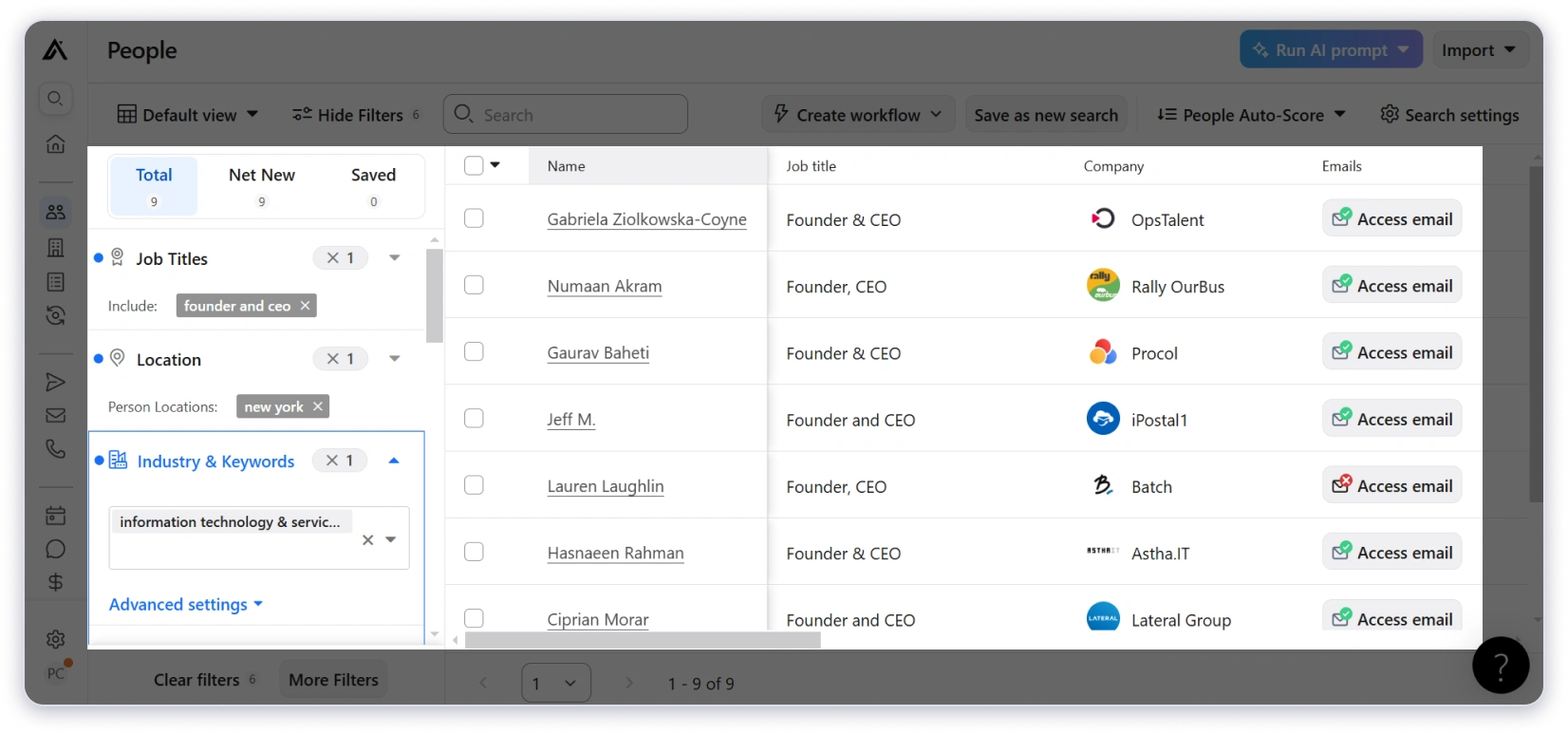
In fact, multiple G2 reviewers flag the same issue.
If your ICP extends beyond English-speaking markets, you’ll feel this gap quickly.
Lusha — 150M+ Contacts
Lusha offers a smaller database than Apollo at 150M+ contacts. But where it falls short on volume, it makes up in data quality, especially when it comes to phone numbers.
When I tested direct dials for sales leaders at US and Western European companies, Lusha’s numbers connected to the right person more often than Apollo’s.
The direct dial accuracy of Lusha in these regions is genuinely better than most competitors.
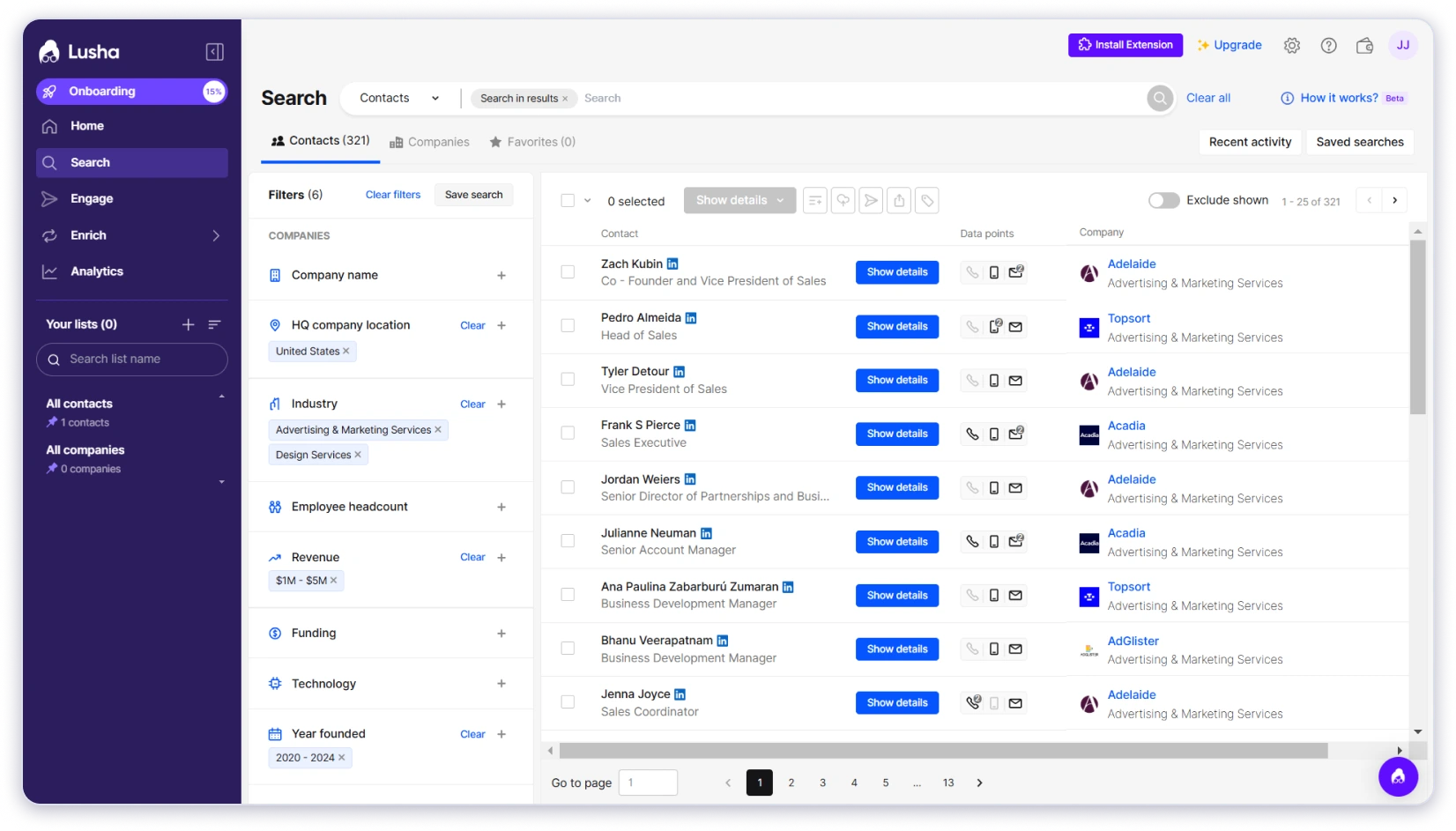
That said, when I ran the same searches targeting prospects in India, Brazil, and Southeast Asia, Lusha returned far fewer results than Apollo. And for niche verticals like healthcare IT or specialized manufacturing, the contact coverage was almost nonexistent.
Winner: Apollo
Why Saleshandy Outperforms Both (With 800M+ contacts)
Saleshandy’s Lead Finder gives you access to 800M+ contacts across 60M+ companies. That’s roughly 3x Apollo and over 5x Lusha.
The numbers sound big, but here’s where it actually showed up. I ran identical ICP searches across all three platforms for prospects in the MENA region and India.
Apollo and Lusha returned thin results. Saleshandy consistently pulled 40–60% more contacts for the same search criteria.
The gap got even wider in niche verticals.

Searches for specialized manufacturing and healthcare IT prospects that returned almost nothing on Lusha and limited results on Apollo gave me full lists on Saleshandy.
What surprised me most was coverage in markets like India, Brazil, and parts of Africa, regions where both Apollo and Lusha had sparse data.
If you’re running outbound for a global audience, that reach is the difference between a half-empty list and a full pipeline.
And the database updates regularly with real-time verification, so you’re not burning credits on contacts who changed jobs six months ago.
2. Data Accuracy and Verification
Finding contacts is only half the job. If the emails bounce or the phone numbers lead to switchboards, you’ve wasted credits and damaged your sender reputation.
So the next thing I tested was how accurate the data from each platform actually is in real campaigns.
Apollo.io: Decent Emails, Weak Phones
Apollo claims a 91% email accuracy rate through multi-step verification.
When I ran a 500-contact test campaign targeting VP-level prospects in the US, the email deliverability was optimal.
But the phone numbers were a different story.
Apollo charges 5 credits per phone reveal, and a noticeable portion of those numbers led to outdated lines or generic company switchboards. Multiple G2 reviewers report the same frustration.

Now Apollo does offer credit refunds for bounced emails, but there’s a catch.
The refund only applies if you send those emails through Apollo’s own platform.
But by that time, your email deliverability is already compromised.
And the moment you export the data to any other outreach tool, the refund policy doesn’t apply. And for phone numbers, there are no refunds at all, regardless of how you use them.
Lusha: Strong on Phone Numbers
This is where Lusha genuinely stands out. When I tested direct dials for sales leaders at US tech companies, Lusha’s numbers connected to the right person noticeably more often than Apollo’s.
The reason is Lusha’s community-sourced data model.
Users contribute contact information from their own networks, which means Lusha surfaces personal mobile numbers that purely corporate databases like Apollo’s often miss.

Email accuracy is solid for US and Western European contacts.
But just like the database coverage, it drops for regions outside those core markets.
And when it comes to refunds, Lusha’s policy is clear.
According to their official terms, once a credit is used, it cannot be revoked. No replacement credits or refunds are provided based on the quality or accuracy of a record.
The credit-consuming action is final, even if the data turns out to be wrong.
Winner: Lusha
More reliable contact data overall, especially for direct phone numbers.
Why Saleshandy Outperforms Both on Data Accuracy
Saleshandy takes a different approach.
It verifies every email in real-time before it’s revealed to you. If the verification flags an invalid email, the contact doesn’t even show up in your results.
You never see bad data, and you’re never charged for it.
I tracked credit waste across all three tools over a month.
With Apollo and Lusha, roughly 8–12% of revealed contacts had unusable data.

Credits gone with nothing to show for it. With Saleshandy, that waste essentially drops to zero.
Phone number accuracy on Saleshandy sits at 90%+, pulled from the same 800M+ database.
When you’re revealing hundreds or thousands of contacts per month, paying only for verified data isn’t a nice-to-have. It changes the entire economics of prospecting.
3. Prospecting Filters and Search
The quality of your prospecting filters determines whether you’re building targeted lists or generic ones.
Broad filters give you volume. Granular filters give you prospects that actually match your ICP.
Here’s how each tool handles search and filtering.
Apollo.io: 65+ Filters
Apollo offers 65+ search filters, and the depth is genuinely impressive. Job title, company size, industry, tech stack, revenue, funding, seniority, and more.
When I needed to find CTOs at Series B+ companies using Kubernetes in the Bay Area, Apollo let me build that exact search.
It also offers saved searches and search alerts, which are useful if you’re prospecting for the same ICP regularly.

The catch: the most powerful filters, like tech stack, buying intent signals, and hiring activity are locked behind higher-paid plans.
On the free or Basic tier, you’re working with a fraction of Apollo’s actual filtering power.
Lusha: 20+ Filters
Lusha offers 20+ filters covering job title, seniority, location, industry, department, company size, revenue, technology, and funding.
Where Lusha gets interesting is Flex Search, its AI-powered natural language querying.
Instead of manually selecting filters, you type something like “VP Marketing Boston Finance,” and Lusha applies the right filters automatically. Boolean search is also available in select filters.

That said, when I needed to narrow down by specific tech stacks or funding stages, I hit the limit faster than expected.
The filter set covers the basics well, but for highly specific ICP searches with multiple layered criteria, Lusha falls short compared to Apollo.
Winner: Apollo
Why Saleshandy Outperforms Both on Prospecting Filters
Saleshandy’s Lead Finder gives you 75+ advanced filters. That’s more than Apollo’s 65+ and significantly more than Lusha’s 20+.
You can filter by company name, domain, employee count, revenue range, location from continent down to city level, job title, department, seniority, years of experience, education, and skills.
On top of that, Saleshandy’s Company Tab lets you:
- Search companies similar to your best customers using Look Alike filters
- Filter by technographics to see what tools they’re using
- Use 8 buying signals, like recent funding, leadership changes, or rapid hiring to find companies ready to buy
Once you’ve found the right companies, bulk select them and reveal the decision makers inside them in one action. Apollo doesn’t have dedicated company-level intelligence like this.

Where this actually made a difference: I needed to find operations managers at logistics companies in Germany with 50–200 employees and 5+ years of experience.
Saleshandy lets me stack all those filters in one search.
Apollo came close but didn’t have the years-of-experience granularity. Lusha couldn’t layer that many criteria together.
Saleshandy also offers AI Lead Search.
Type a prompt like “Find marketing managers at US SaaS startups with under 200 employees and $5M+ revenue” and the AI applies the right filters automatically.
4. Outreach and Engagement Capabilities
Finding prospects is step one.
What matters next is whether you can actually reach them from the same platform without juggling multiple tools.
Here’s how each tool handles outreach once you’ve built your list.
Apollo.io: Full Outreach Suite (But Lacks Advanced Features)
Apollo’s outreach is the most feature-complete between Apollo and Lusha.
It allows you to reach out to your prospects through multiple channels, like
- email sequences
- power dialer with call recording
- LinkedIn task steps
I ran a multi-step sequence with email and LinkedIn tasks, and the workflow held up well for a smaller campaign.
For teams that want data, outreach, and deal management in one place, Apollo covers a lot of ground.
Where it fell short was at scale.
Once I pushed past 200 emails/day across multiple accounts, Apollo’s lack of warm-up and proper rotation started showing. Open rates dipped, and a couple of accounts hit spam flags within two weeks.
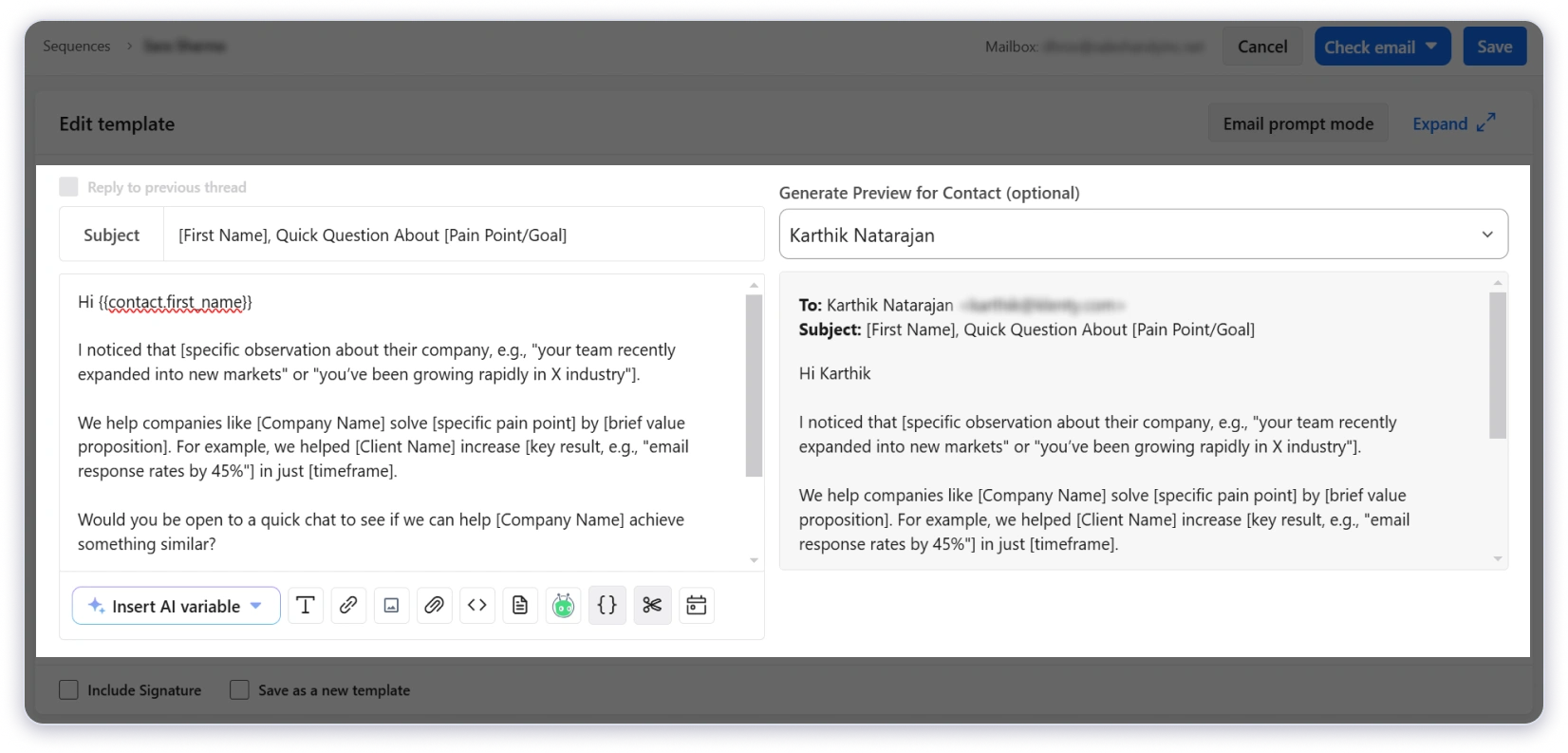
There is a built-in email warm-up tool, but it is pretty basic, and sender rotation is limited.
If you’re running low-volume outreach, Apollo handles it fine. The moment you scale up, deliverability becomes a real problem.
Lusha: Very Basic Cold Email Sequences
Lusha offers Lusha Engage, a built-in email sequencing tool that’s free on all plans.
I tested it for a small campaign of about 300 contacts, and the setup was quick.
You get AI-generated email sequences powered by OpenAI, a template library with dynamic personalization, open and click tracking, CSV contact uploads, and the ability to add contacts directly from the Chrome extension.

But Engage has clear limitations.
- It only works with Gmail and Outlook
- caps at 1,000 emails per day
- doesn’t include sender rotation, email warm-up, or A/B testing
For a founder or solo SDR sending 50–100 emails a day to warm leads, Engage works fine. For an outbound team doing thousands of cold emails daily, it’s not built for that volume.
Winner: Apollo
Why Saleshandy Outperforms Both on Outreach
Saleshandy was built as a cold email platform first, not as an add-on to a database. That difference shows up in every part of the outreach experience.
Here’s what you get:
- Unlimited email accounts with sender rotation across 100+ accounts
- AI Sequence generator to create complete outreach campaigns in minutes
- Conditional-based follow-ups that adapt based on prospect behavior
- AI Prospect enrichment for hyper-personalizing every email
- Multi-channel outreach across email, phone, LinkedIn, WhatsApp, and SMS
- Advanced deliverability suite with unlimited email warm-up, sender rotation, and inbox placement tests
- Cold email infrastructure built for high-volume sending
- Agency-friendly features and pricing for teams managing multiple clients
Compare that to Apollo, which limits your email accounts, has no warm-up, and offers only basic sender rotation.
Or Lusha Engage, which supports a single Gmail or Outlook account with a 1,000 email/day cap and no A/B testing at all.

When I ran identical 5-step sequences on Apollo and Saleshandy targeting the same prospect list, the deliverability difference was clear.
Saleshandy’s warm-up and sender rotation kept inbox placement rates significantly higher over 30 days.
For teams that need to send at volume without landing in spam, that infrastructure gap is what separates a prospecting tool with outreach features from a platform actually built for cold email.
5. LinkedIn Chrome Extension
For SDRs who prospect on LinkedIn daily, the Chrome extension is where most of the actual work happens.
How fast you can reveal contacts, how accurate the data is, and what you can do without leaving LinkedIn directly impact your daily output.
Here’s how each tool’s extension performs in real daily prospecting.
Apollo.io: Feature-Rich but Heavy
Apollo’s Chrome extension works across LinkedIn, Sales Navigator, Gmail, Google Calendar, Salesforce, HubSpot, and company websites.
When I used it on Sales Navigator, I could reveal emails and phone numbers, view company insights like tech stack and funding data, and add contacts directly to Apollo lists and sequences.
Bulk actions on LinkedIn search results are also supported.

The major trade-off is that the extension is heavy. With 10+ tabs open, I noticed browser slowdowns, and multiple G2 reviewers flagged the same issue.
If you’re a power user running LinkedIn, Gmail, and CRM tabs simultaneously, it gets sluggish.
Lusha: Cleanest Extension Experience
Lusha’s Chrome extension works across LinkedIn, Sales Navigator, CRM platforms, and B2B websites.
The experience is the opposite of Apollo’s. Reveals are fast, the UI is clean, and you can bulk reveal up to 25 contacts at once on paid plans.

You also get company details like revenue and intent scores alongside contact data, and you can push contacts directly into Engage sequences from the extension.
Winner: Apollo
Why Saleshandy Outperforms Both on Chrome Extension
Saleshandy Connect does something the other two extensions don’t.
It verifies the accuracy of contact data right on the LinkedIn profile itself.
Before you export anything to your list, you can already see whether the email and phone number are valid. No guessing, no wasted credits on bad data.
On top of that, when you’re on a company’s LinkedIn page, you can bulk search and reveal all decision-makers at that company in one go.

No clicking through individual profiles one by one. Find the company, reveal the contacts, and add them to a sequence directly from the extension.
6. Pricing Comparison
Pricing in prospecting tools is rarely straightforward.
Per-seat costs, credit systems, and feature locks all add up differently depending on your team size and outreach volume.
Here’s what each tool actually costs when you break it down.
Apollo.io Pricing (Annual)
Apollo offers a free plan with 1,200 credits per year, but it limits you to 2 sequences and basic filters.
The Basic plan starts at $49/user/month with 30,000 credits per year.
Professional jumps to $79/user/month with 48,000 credits and unlocks A/Z testing.
Organization is $119/user/month with 72,000 credits and custom reports.

One thing to watch, Apollo offers
- 1 email reveal = 1 credit
- 1 phone number = 5 credits
Those 30,000 credits on Basic go a lot faster than they look if you’re pulling phone numbers regularly.
Lusha Pricing (Annual)
Lusha starts lower at $22.45/user/month on the Pro plan with 3,000 credits per year.
Premium is $52.45/user/month with 7,200 credits and CSV enrichment. Scale is custom pricing with API access.

There’s a free plan with 480 credits per year (40/month), limited to 1 seat.
Moreover, Lusha offersthe same credit math as Apollo:
- 1 email = 1 credit
- 1 phone = 5 credits
PS: Lusha Engage is included free on all plans.
Saleshandy Lead Finder Pricing (Annual)
Saleshandy’s Lead Finder starts at $24/month on the Lead Starter plan with 1,000 credits per month (12,000/year).
Higher tiers scale up to 10,000 credits per month for teams that need more volume.

Three things that change the math compared to Apollo and Lusha:
- 1 credit per email, 7 credits for email + phone. Apollo and Lusha charge 5 credits per phone number on top of the email credit, so Saleshandy’s bundled pricing is more predictable.
- Credits are only consumed for verified data. If the email can’t be verified, you’re not charged. Neither Apollo nor Lusha works this way.
- 50% of the unused credits roll over to the next billing cycle. On Apollo and Lusha, unused credits expire entirely.
Outbound Shouldn’t Cost More as Your Team Grows
Flat pricing. No per-seat charges. Your whole team gets 800M+ verified contacts.
[Sign Up for Free →]
7. Prospect Management and CRM
Once you’ve found prospects and started outreach, you need a way to track where each deal stands.
Some tools make you export everything to an external CRM. Others try to keep it in-house.
Here’s how each tool handles prospect management.
Apollo.io: Built-In Deal Management CRM
Apollo has a full deal pipeline built into the platform. You can create custom deal stages, track deal values, assign owners, and move prospects through your pipeline without leaving Apollo.
When I tested it, the deal-stage view was useful for seeing which prospects had replied, which were in negotiation, and which had gone cold.

If your team runs the entire sales cycle inside one tool from prospecting to closing, Apollo’s CRM covers enough ground that smaller teams may not need a separate CRM at all.
The trade-off is that it’s complex. Apollo tries to do everything, prospecting, outreach, deal management, reporting — but in a very clunky UI.
For teams that just need to track outbound prospects and follow-ups, it feels like more tool than you need.
Lusha: N/A
Well, Lusha does not offer a built-in CRM.
Winner: Apollo
Why Saleshandy Outperforms Both on Prospect Management
Saleshandy recently launched Prospect CRM, a kanban-based pipeline built specifically for cold email workflows.
Most CRMs store data but leave reps guessing what to do next. Saleshandy’s CRM is the opposite.
You see exactly who needs follow-up, why they matter, and what action to take — without switching tools or building complex views.

Every interaction from your cold email campaigns flows automatically into each prospect’s activity timeline.
Emails sent, replies received, calls logged, notes added, sequence status. No manual logging. Full context before every reply.
How does it differ from Apollo?
Apollo gives you prospect data and basic deal tracking, but you’re still applying filters and digging through lists to find warm prospects.
Whereas Saleshandy surfaces them in your daily workflow through visual pipeline stages and smart views. Less searching, more acting.
And unlike traditional CRMs like HubSpot or Salesforce that are built for recording what happened, Saleshandy CRM is built for showing what should happen next.
Your prospects move through actual conversation stages — Contacted → Replied → Meeting Booked — instead of abstract deal stages designed for enterprise sales pipelines.
8. Integrations
The best prospecting tool is useless if it doesn’t connect to the rest of your sales stack. CRM sync, automation platforms, and API access determine how smoothly data flows between tools.
Here’s how each platform handles integrations.
Apollo.io: Broadest Ecosystem
Apollo has the widest integration library in this comparison, with over 100 native integrations.
CRM sync covers Salesforce, HubSpot, Pipedrive, and dozens more. It also connects natively with sales engagement tools like Outreach and Salesloft, plus a full API.

If your team uses a less common CRM or relies heavily on tools like Outreach or Salesloft for sequencing, Apollo is most likely to have a native connector already built.
Lusha: Covers the Essentials
Lusha integrates with Salesforce, HubSpot, Pipedrive, Dynamics, and Zoho for CRM sync, plus Outreach, Salesloft, and Bullhorn for sales engagement. API access is available on the Scale plan.
The integration list is smaller than Apollo’s, but it covers the CRMs and sales tools most outbound teams actually use.

If your stack is built around any of these, Lusha connects without issues.
Winner: Apollo
Saleshandy: Native CRMs + Flexible Connectivity
Saleshandy offers native bidirectional sync with Salesforce, HubSpot, Pipedrive, and Zoho.
Beyond CRM, it connects with Zapier for 6,000+ app integrations, webhooks for real-time automation, and a full API for custom workflows.
What sets Saleshandy apart here is MCP (Model Context Protocol) support — letting you control your entire Saleshandy workflow directly from AI assistants. Neither Apollo nor Lusha offers this.
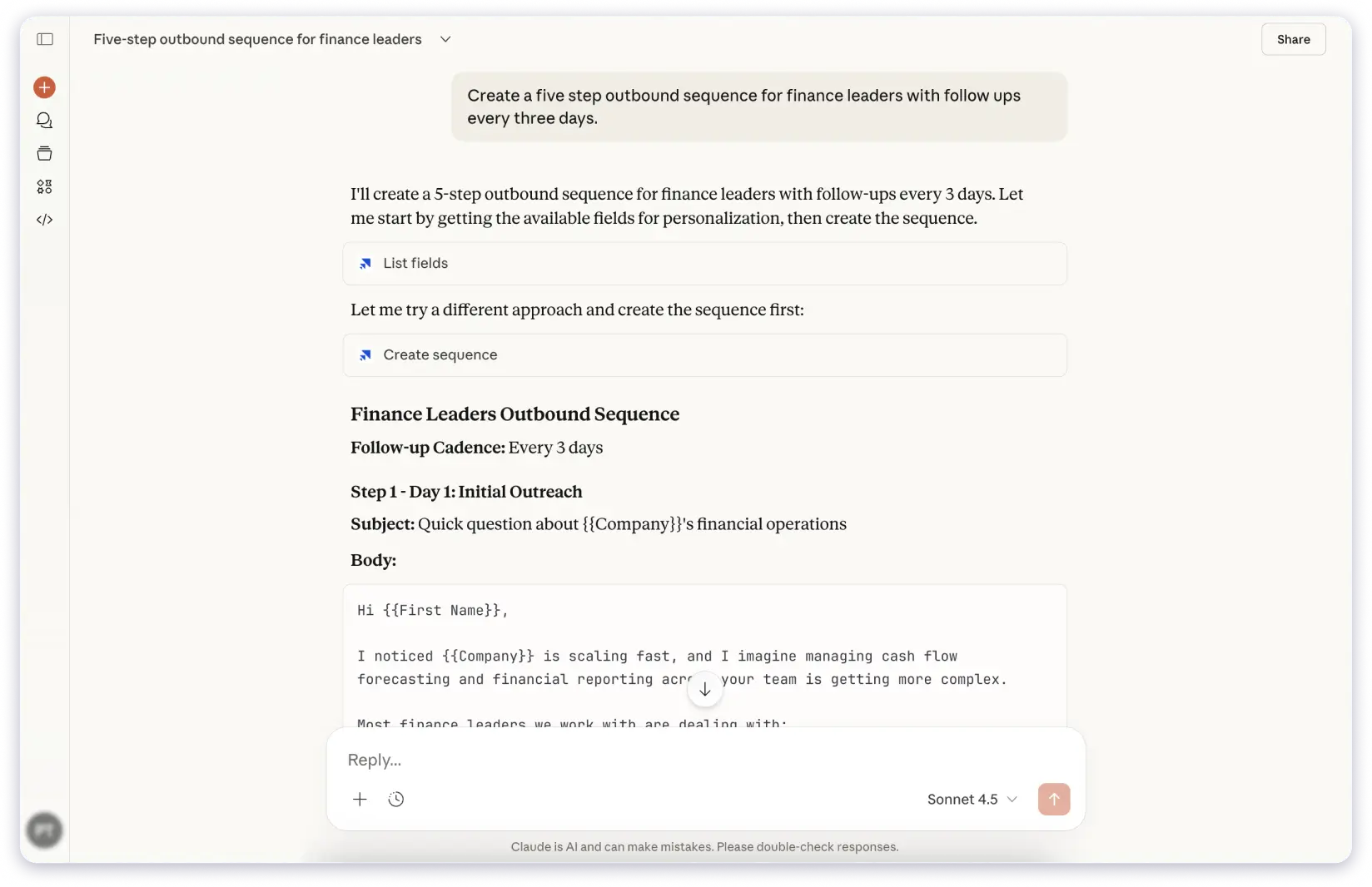
Saleshandy also integrates with tools like Clay for enrichment and TrulyInbox for deliverability.
Final Verdict: Which Is the Best Prospecting Tool for You?
Both Lusha and Apollo are solid tools, but they serve different needs.
Choose Apollo if your team needs data, outreach, and deal management in one platform.
Choose Lusha if accurate phone numbers matter more than database size
But the biggest limitation with both?
Smaller databases than what’s available today, and no truly end-to-end outbound workflow without adding more tools and more cost.
That’s where Saleshandy comes in as a better alternative.
It offers the largest database (800M+), 75+ filters, unlimited email accounts, built-in warm-up, sender rotation, and Prospect CRM — all in one platform without per-seat pricing. A complete outbound workflow that neither Apollo nor Lusha can match.
FAQs: Lusha vs. Apollo
1. Is Apollo better than Lusha for cold email?
Apollo has more outreach features than Lusha (which has none).
But Apollo’s deliverability tools are basic, and if cold email is your primary channel, a dedicated tool like Saleshandy gives you more control over deliverability.
2. Which has more accurate phone numbers — Lusha or Apollo?
Lusha, based on both my experience and user reviews on G2. Lusha specializes in direct dial numbers, especially in the US and Western Europe.
Apollo has phone data too, but the quality is less consistent.
3. Can I use Lusha and Apollo together?
Yes, some teams use Apollo for outreach and Lusha for phone enrichment.
But that means paying for two subscriptions.
A more cost-effective approach is using a single platform like Saleshandy that combines a larger database with full outreach capabilities.
4. What’s the biggest database among Apollo vs. Lusha vs. Saleshandy?
Saleshandy’s Lead Finder has 800M+ contacts in its database, which is roughly 3x Apollo’s and over 5x Lusha’s database size.
5. Is there a free alternative to both Lusha and Apollo?
Yes, you can take Saleshandy’s 7-day free trial with 5 free leads, which is enough to test the data quality and outreach features before committing.
6. Does Saleshandy have a Chrome extension like Lusha?
Yes, Saleshandy’s Chrome extension lets you find email addresses directly from LinkedIn profiles and push them into email sequences from within the extension.